
CapCut
CapCut is an all-in-one online video editing software which makes creation, upload & share easier, with frame by frame track editor, cloud drive etc.
About CapCut
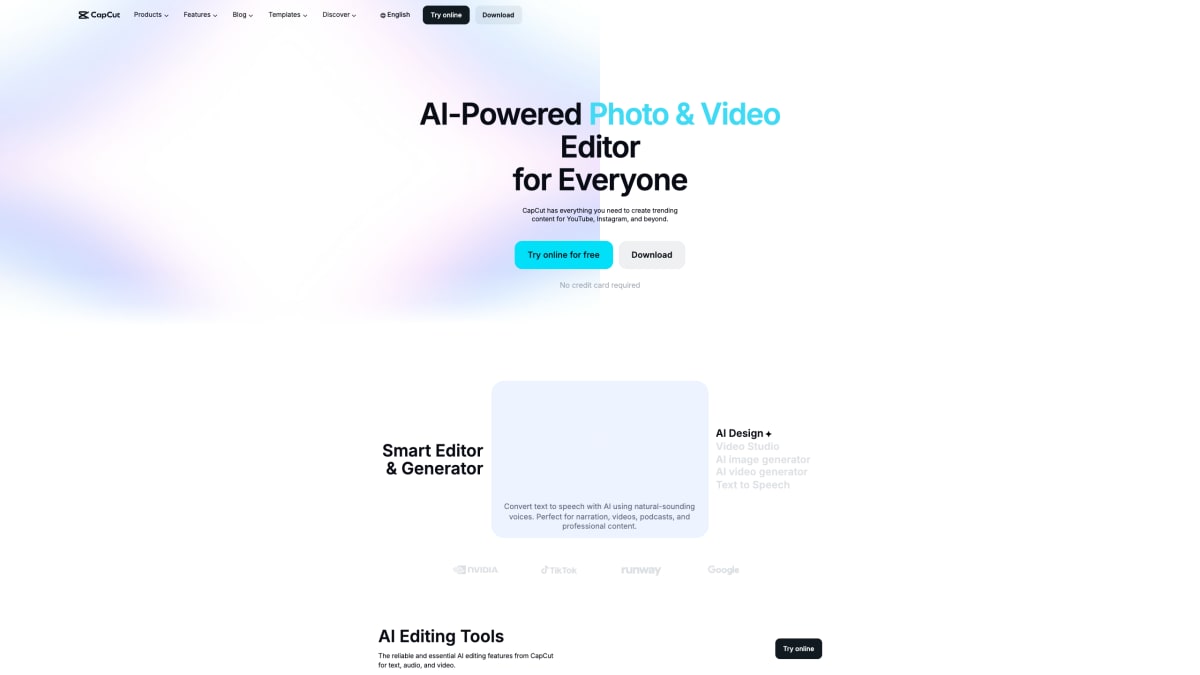
CapCut is an AI-powered photo and video editing platform available online, on desktop, mobile, and pad, aimed at creators making content for platforms like YouTube, Instagram, and TikTok. It combines an AI video and image generator with an AI Design tool that produces layouts for social media posts, covers, and marketing materials, alongside a chat-based Video Studio that builds videos from text prompts, including style and avatar selection.
The platform includes a set of editing tools covering image background removal, image enhancement and resizing, and a browser-based photo editor with cropping and filters. Video-focused tools include a video editor for trimming and adding transitions and subtitles, a video background remover, and a video converter supporting formats such as MP4, MOV, and AVI. Text and audio tools include auto-generated captions and subtitles in multiple languages, text-to-speech with natural-sounding voices, audio extraction from video, background noise removal, and voice enhancement.
CapCut also provides a library of customizable templates for categories including social media, Reels and TikTok, business promos, holidays, and anniversaries. Outputs from the online tools are described as available without watermarks and without requiring downloads.
Key features
- AI-powered video editing with trim, transitions, and subtitles
- Text-to-speech with natural-sounding AI voices
- AI image tools: background removal, enhancement, and resizing
- AI video generator that turns text, images, or keyframes into videos
- Automatic caption and subtitle generation in multiple languages
- Audio tools for noise reduction and voice enhancement
Frequently asked questions
Is CapCut free to use?
CapCut can be tried online for free with no credit card required, and several tools like the background remover, video converter, and text to speech are offered free with no watermark.
What platforms is CapCut available on?
CapCut is available as a desktop app, an online editor, and mobile and pad apps.
What can I create with CapCut?
CapCut supports creating and editing videos and images for platforms like YouTube, Instagram, TikTok, and Reels using templates and AI editing tools.
Does CapCut offer AI content generation?
Yes, CapCut includes an AI video generator and AI image generator that turn text, images, or keyframes into custom videos and visuals.
Does CapCut support subtitles and voiceovers?
CapCut offers automatic subtitle generation in multiple languages and text-to-speech with natural AI voices for narration and voiceovers.


SerpApi - Search API
SerpApi's Search API makes it easy and fast to scrape Google and other search engines.

Show your product to thousands of developers
· 100k monthly pageviews
· 7k newsletter subscribers
You might also like
Blurbackground AI
AI/Image/DesignBlurbackground.AI is a free online tool to edit background swiftly.
BulkPicTools
Image/ProductivityFree browser-based bulk image processor. Compress to exact file sizes, convert HEIC/WebP/AVIF/PNG/JPG, resize, crop, watermark 1,000+ images at once. No upload, no account, works offline.
CleanSnap
Image/Screenshot/AICleanSnap is a free AI Images maker. Create a beautiful image from a screenshot in seconds. Without any watermark.
Compressor
Image/ToolingOptimize and compress your jpeg and png images online. Compressor is a lossy and lossless photo compression tool.
ConvertImage.tools
Image/ToolingFree browser-based image tools including converter, compressor, background remover, and more. All processing happens client-side with no signup required.
Convertyard
ImageConvertYard converts images, PDFs, audio, and video files locally using WebAssembly — your files never leave your device.