
ConvertImage.tools
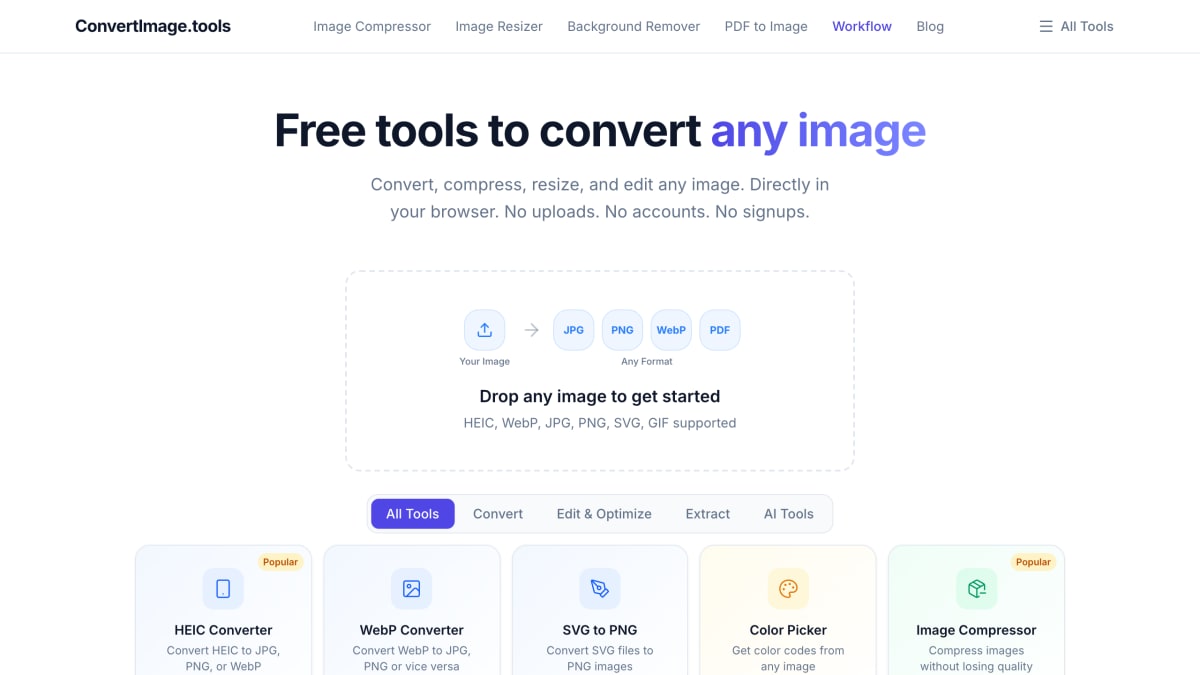
Free browser-based image tools including converter, compressor, background remover, and more. All processing happens client-side with no signup required.
About ConvertImage.tools
ConvertImage.tools is a browser-based collection of image conversion and editing tools, including format converters (HEIC, WebP, SVG to PNG, TIFF, PDF to/from image), editing utilities (crop, resize, flip and rotate, compress, collage builder, color picker, favicon generator), and AI-powered features (background removal, image upscaling, unblur, colorize, watermark removal, object removal, face swap, background change, image expansion, headshot generation, text-to-image generation, and an AI image editor driven by text prompts). Processing happens locally in the browser using WebAssembly, so files are not uploaded to a server.
The site is aimed at users who need quick, one-off image conversions or edits without installing software or creating an account. It requires no sign-up and imposes no stated limits on use.
Key features
- Convert between image formats including HEIC, WebP, JPG, PNG, SVG, and GIF
- Compress and resize images with social media presets
- Edit tools: crop, flip/rotate, background remover, image upscaler
- AI-powered tools for colorizing, unblurring, object/watermark removal, and face swap
- Extract text from images (OCR) and pick colors from images
- Processes files locally in-browser using WebAssembly, no uploads to a server
Frequently asked questions
Is ConvertImage.tools free to use?
Yes, it is free with no limits and no sign-up required.
Do I need to create an account?
No, the site requires no accounts or signups to use its tools.
Where are my images processed?
Images are processed locally in your browser using WebAssembly, so files never leave your device.
What image formats are supported?
It supports HEIC, WebP, JPG, PNG, SVG, and GIF, along with conversion between any image formats.
What kind of tools does the site offer?
It offers conversion, compression, resizing, editing, extraction, and AI-powered tools like background removal, upscaling, and face swap.


SerpApi - Search API
SerpApi's Search API makes it easy and fast to scrape Google and other search engines.

Show your product to thousands of developers
· 100k monthly pageviews
· 7k newsletter subscribers
You might also like
CapCut
Image/Editor/VideoCapCut is an all-in-one online video editing software which makes creation, upload & share easier, with frame by frame track editor, cloud drive etc.
CleanSnap
Image/Screenshot/AICleanSnap is a free AI Images maker. Create a beautiful image from a screenshot in seconds. Without any watermark.
Compressor
Image/ToolingOptimize and compress your jpeg and png images online. Compressor is a lossy and lossless photo compression tool.
Convertyard
ImageConvertYard converts images, PDFs, audio, and video files locally using WebAssembly — your files never leave your device.
DreamStudio
AI/ImageDreamStudio is an online creative tool to generate images with AI. Made by the world's leading open source generative AI company, Stability.ai.
Envato Elements
Image/VideoFind stock video footages and photos for your next video project.