Blurbackground AI
Blurbackground.AI is a free online tool to edit background swiftly.
About Blurbackground AI
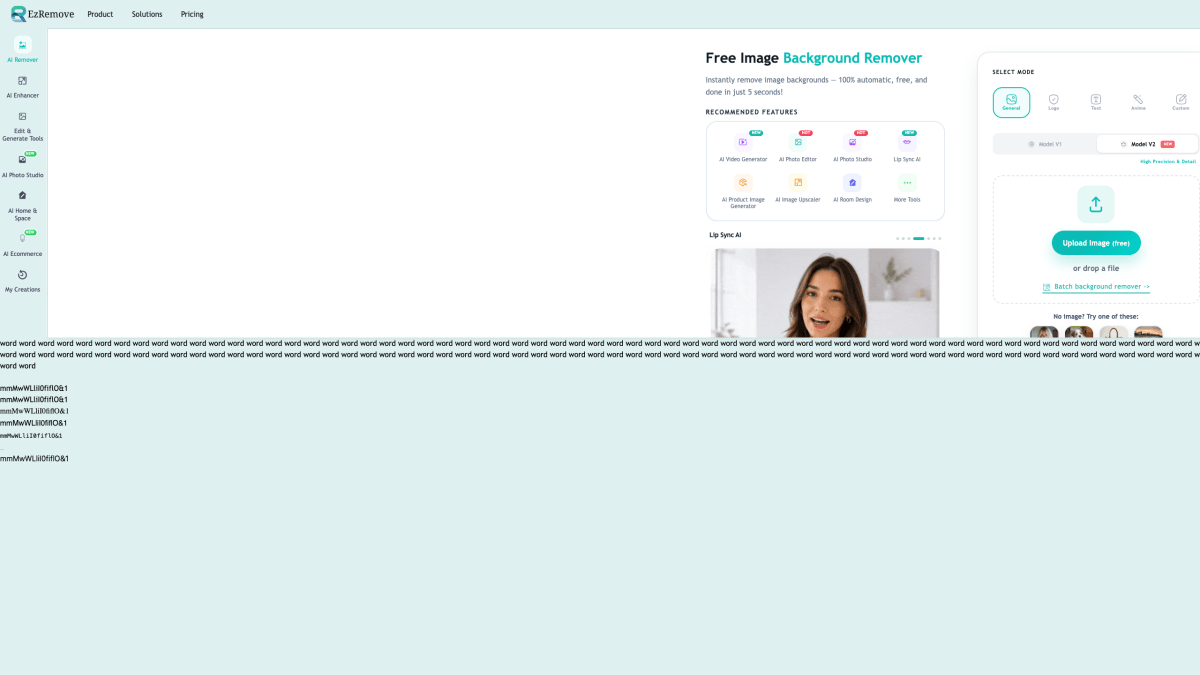
Blurbackground AI is a web-based tool for removing and editing image backgrounds using automated AI processing. Users upload a JPG, PNG, or HEIC photo and the tool detects the subject and produces a cutout with a transparent background, exported as a PNG. It offers multiple modes tuned for different image types — General, Logo, Text, and Anime — plus a Custom mode that accepts a text prompt to remove specific objects or elements from a scene.
Beyond removal, the tool lets users replace the background with a solid color, white, or an AI-generated scene described by text prompt, and includes a batch processing option for removing backgrounds from multiple images at once. Additional features include a Magic Eraser for removing unwanted objects or clutter from images and dedicated handling for logo backgrounds.
The site targets eCommerce sellers, product photographers, designers, and social media users who need consistent, clean product or portrait images. Use cases named on the page include product photos, profile pictures, social graphics, logos, ads, and catalog or landing page visuals.
Key features
- Automatic AI background removal producing transparent PNGs in seconds
- Mode selection for General, Logo, Text, and Anime images for cleaner edges
- Custom mode with text prompts to remove specific objects (e.g. "remove the person in the background")
- Batch background removal for processing multiple images at once
- AI Background Generator to swap in new scenes or solid color backgrounds
- Magic Eraser to remove unwanted objects, clutter, or photobombers
Frequently asked questions
Is Blurbackground AI free to use?
Yes, the tool is free and removes image backgrounds automatically in about 5 seconds.
What image formats can I upload?
You can upload JPG, PNG, or HEIC photos.
Can I process multiple images at once?
Yes, the batch background removal tool lets you remove backgrounds from multiple photos at the same time.
Who is this tool for?
It's designed for eCommerce sellers, social media influencers, photographers, and designers who need consistent, clean product or profile images.
What output format do I get after removing the background?
You get a high-quality transparent PNG that can be used as-is or with the background changed to white, a solid color, or a generated scene.


SerpApi - Search API
SerpApi's Search API makes it easy and fast to scrape Google and other search engines.

Show your product to thousands of developers
· 100k monthly pageviews
· 7k newsletter subscribers
You might also like
Bazzly
Marketing/AI/Social MediaGet Customers From Reddit on Autopilot.
Beheard Labs
Marketing/AI/AnalyticsAI-Powered Customer Insight Platform.
Best AI Agents Directory
Productivity/AI/StartupCurated Collection of the Best AI Agents to Boost Your Workflow.
Botpool
Freelance/AI/JobMarketplace for AI-Powered Freelancers.
Briks
AI/ProductivityThe AI Spreadsheet to Create Reports, Presentations, Charts, and Visuals.
Catalog by Thesys
Database/AICatalog by Thesys is a curated collection of AI agents designed to help you find the right agent for your needs. Whether you're exploring AI for automation, decision-making, or creative tasks, it simplifies your search with the categorization and listing of all the AI agents.