
Unscreen
Remove the background of any video - 100% automatically, online & free! Goodbye Greenscreen. Hello Unscreen.
About Unscreen
The page content is now a Canva product page (Video Background Remover), not the original Unscreen site — Unscreen appears to have been folded into Canva's toolset. I'll flag that before writing, since the requested URL and name no longer match a standalone product.
Note: the fetched content for unscreen.com now redirects to a Canva feature page ("Video Background Remover"), not a standalone Unscreen product. Writing the description based on what the page actually describes:
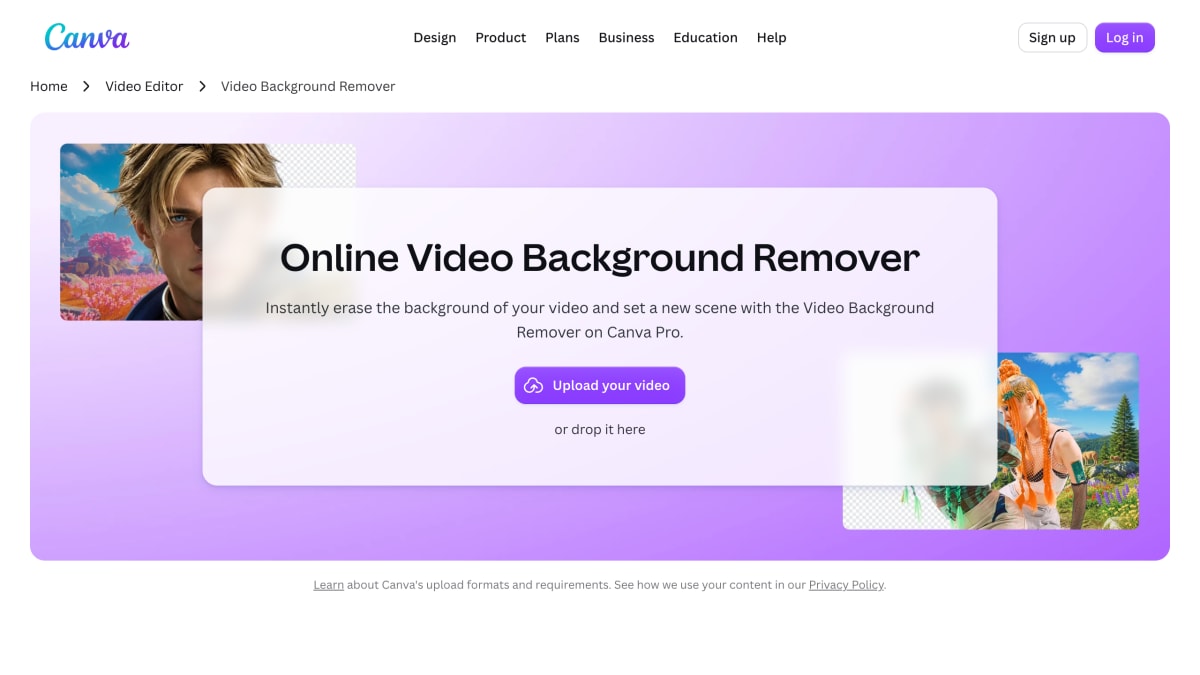
The tool removes the background from an uploaded video automatically, without requiring a green screen or manual editing. Users upload a video file (MP4, MOV, and other common formats are supported), the background is erased through automated processing, and the result can be downloaded as a high-resolution MP4 without a watermark, or opened in an editor for further work such as adding a new background image, subtitles, filters, or adjusting speed.
The feature is positioned for people producing marketing videos, product promotions, or tutorials who want to isolate a subject against a clean background. It is offered as part of a paid tier (Pro) of a broader online design and video editing platform, alongside other tools like an AI video editor, video trimmer, and format converter.
Key features
- Automatically removes video backgrounds with one click using AI, no green screen needed
- Lets users set a new scene with template videos or images from Canva's media library
- Downloads finished videos as high-resolution, watermark-free MP4 files
- Integrates with Canva's online video editor for subtitles, filters, and speed adjustments
- Supports uploading MP4, MOV, and other common video formats
Frequently asked questions
Is the Video Background Remover free to use?
It is a feature of Canva Pro, Canva's paid tier.
What video formats can I upload?
Canva supports MP4, MOV, and other common video formats.
Do I need a green screen to remove a video background?
No, the AI-powered tool removes the background automatically without requiring a green screen or design experience.
What do I get when the background removal is finished?
You can download the result as a high-resolution, watermark-free MP4 or open it in the Canva editor to keep editing on the timeline.
Who is this tool for?
It's aimed at people producing videos like product promotions or tutorials who want a clean background without manual editing or reshooting.


SerpApi - Search API
SerpApi's Search API makes it easy and fast to scrape Google and other search engines.

Show your product to thousands of developers
· 100k monthly pageviews
· 7k newsletter subscribers
You might also like
Sublime Text
Editor/ProgrammingSublime Text is a sophisticated text editor for code, markup and prose. You'll love the slick user interface, extraordinary features and amazing performance.
Templated
Editor/Design/MarketingAutomate your images and PDFs with a simple API. Generate social media visuals, banners, PDFs and more with our API and no-code integrations.
TemplateFox
API Building/Template/EditorGenerate PDFs from reusable templates via API. Design templates visually, then generate documents with dynamic data using a REST API or SDKs in 7 languages.
Vectr
Editor/ImageFree vector graphics editor. A simple yet powerful web and desktop cross-platform tool for everyone.
VideoEditor SDK
Editor/VideoVideo Editor SDK (Android & iOS) is a fully-functional video editor that can be integrated into an app in minutes, designed to create exciting social media content with a wide range of effects and filters for professional-quality videos on phones.
Vim
Editor/ProgrammingVim is a highly configurable text editor built to make creating and changing any kind of text very efficient. It is included as "vi" with most UNIX systems and with Apple OS X.