

Sitepeel
Website cloner to copy pages or elements, export HTML/CSS, and extract design details and assets.
About Sitepeel
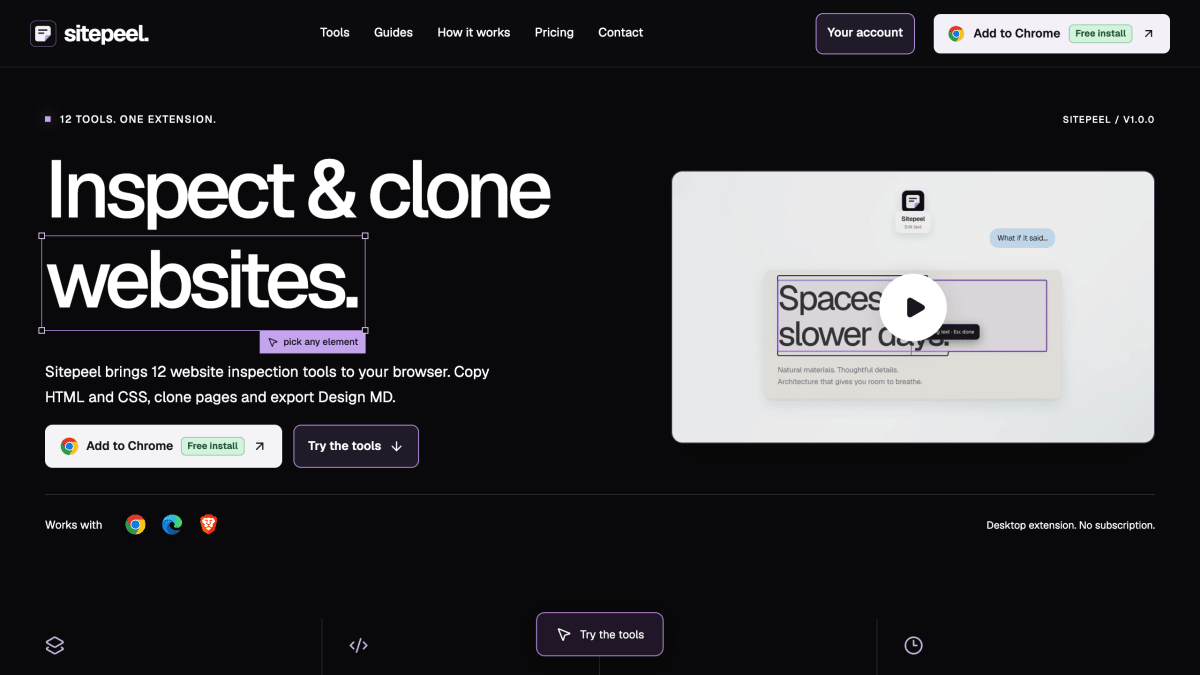
Sitepeel is a browser extension for Chromium-based browsers (Chrome, Edge, Brave) that provides 12 website inspection and extraction tools. These include picking and copying an element's HTML and CSS, cloning a rendered page's HTML, styles and assets, generating a Design MD file of typography, colors and spacing, extracting images/videos/SVGs, previewing fonts, measuring CSS dimensions and spacing, generating a design brief or AI design prompt, extracting color palettes as CSS and JSON, detecting fonts on hover, editing page text inline, taking screenshots, and moving or deleting page elements.
The tool is aimed at developers and designers who want to inspect existing websites and reuse extracted code, assets or design details in their own projects. Design MD and design prompt output are intended for use with AI coding tools such as Claude, Cursor and ChatGPT. Design prompts and Design MD generation do not require an AI provider key by default, though users can connect their own AI provider for AI-written prompts, with usage charges billed separately by that provider.
Sitepeel is sold as a one-time lifetime purchase covering all 12 tools, with no subscription or recurring fees and lifetime updates included. Clone page exports a snapshot of the rendered HTML, styles and optionally assets, and does not include a site's backend, database or login system; users are responsible for having permission to reuse extracted material. The company states it does not collect browsing history, and that design prompt and Design MD processing in the installed extension is handled by Sitepeel on Cloudflare, while optional AI requests go directly to the user's chosen provider.
Key features
- Pick any element to copy its HTML and CSS or save it as a file
- Clone a rendered page's HTML, styles and assets
- Generate a Design MD file with typography, colors and spacing
- Preview 2,100+ font families on a live page
- Extract color palettes as CSS or JSON
- Save screenshots of a full page, visible area or single element
Frequently asked questions
Is there a free tier or is it a subscription?
Sitepeel is a one-time purchase for lifetime access to all 12 tools with no recurring subscription fees. The extension itself is free to install and try before buying.
What browsers and platforms does it support?
Sitepeel is built for Chromium desktop browsers, including Chrome, Edge and Brave. The website tools work on mobile, but installing the extension requires a supported desktop browser.
Do I need an AI key to use it?
No, Sitepeel creates extracted design prompts and Design MD without an AI provider. You can optionally connect your own AI provider for AI-written prompts, with usage charges billed separately.
Who is Sitepeel for?
Sitepeel is a website inspection tool for developers and designers who want to inspect elements, copy HTML/CSS, clone pages, and export design details.
What does the Clone Page tool actually export?
It exports the current rendered HTML and styles, with an option to include assets, but only as a page snapshot without the site's backend, database or login system.


Thordata
Reliable residential proxies for web scraping and automation: over 100 million real residential IPs across 190+ countries, plus a SERP API, Web Scraper API and Web Unlocker.

SerpApi - Search API
SerpApi's Search API makes it easy and fast to scrape Google and other search engines.
Show your product to thousands of developers
· 100k monthly pageviews
· 7k newsletter subscribers
You might also like
Quokka.js
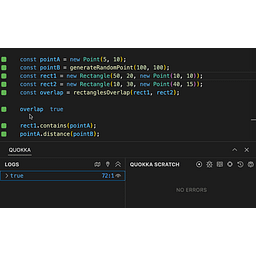
Editor/ExtensionQuokka.js runs your JavaScript and TypeScript code and displays results inline in VS Code, WebStorm, and Sublime Text.
React DevTools
Browser/ExtensionAdds React debugging tools to the Chrome Developer Tools. Created from revision f160547f47 on 12/4/2020.
Related Repos
Open Source/Programming/ExtensionRelated Repos helps developers to discover open source projects that are related to each other. This can be useful to find alternative or complementary packages when building a full application. Data and results are updated daily.
Test API
Browser/ExtensionUse Test API for RESTful API testing. This Postman alternative tests REST APIs online with support for all HTTP methods, custom headers, and real-time response visualization.
toast.log
Browser/ExtensionSee errors, warnings, and logs as they happen on your site — without having to open the browser’s console. Find bugs you didn.
Url Opener
Extension/Productivity/BrowserOpen multiple urls with one click.