Screen Studio
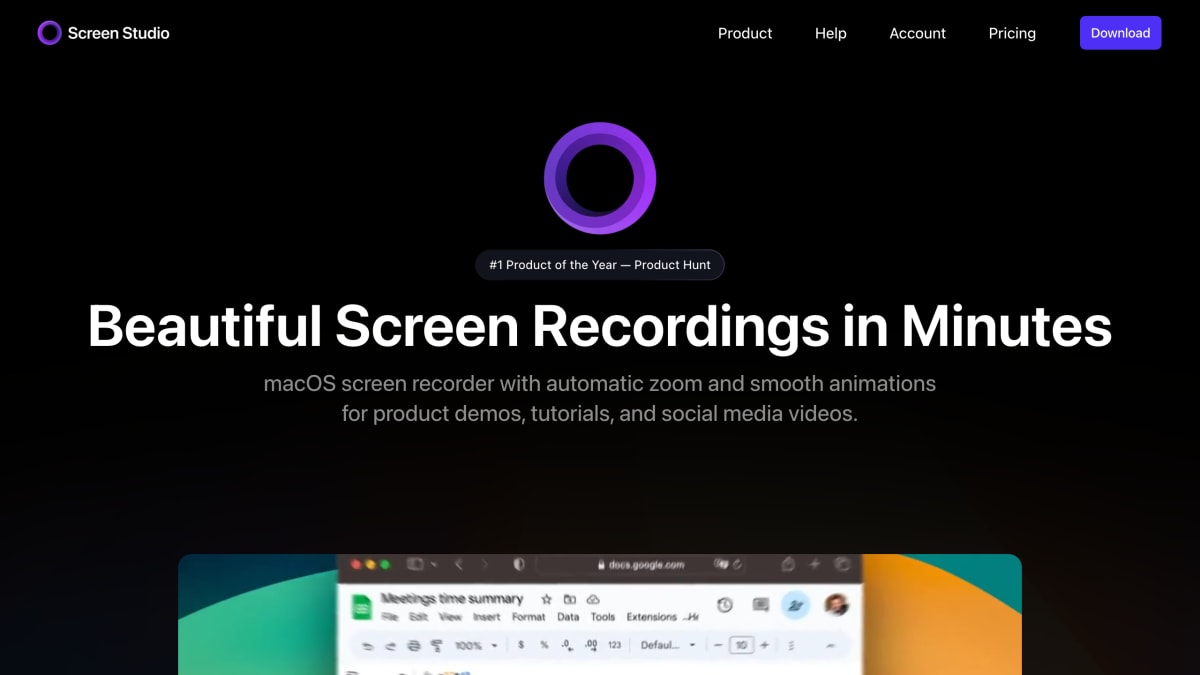
Screen Studio is a professional and simple to use screen recorder for macOS that lets you create professionally looking screen recordings & tutorial videos in minutes, without video editing skills needed.
About Screen Studio
Screen Studio is a screen recorder for macOS designed to produce polished product demos, tutorials, and social media videos. It automatically zooms in on cursor actions, increases cursor size, and smooths cursor movement, with manual zoom selection also available. Zoom animations adjust automatically for horizontal or vertical export, and users can crop recordings, hide desktop icons, and apply motion blur.
The app records webcam, microphone, and system audio, and can capture connected iPhone or iPad devices over USB, with automatic device model and color detection and customizable device frames. It normalizes voice volume, removes background noise, and can generate an on-device transcript for use as subtitles. Recordings can be edited with cut and speed adjustments, and users can style output with custom backgrounds, spacing, shadow, and inset, and save settings as shareable presets.
Export options include video up to 4K at 60fps and optimized GIFs, shareable links, export presets for web or social media, and clipboard copying for quick pasting into other apps. Screen Studio can also record and display keyboard shortcuts during tutorials.
Key features
- Automatic zoom on cursor with smooth cursor movement animations
- Records webcam, microphone, and system audio simultaneously
- Records iPhone or iPad screen via USB cable with device frame customization
- Generates on-device transcript and subtitles with automatic audio enhancement
- Exports video and GIF up to 4K 60fps with horizontal/vertical output presets
- Shareable links and export presets for web, social media, or further editing
Frequently asked questions
What platform does Screen Studio run on?
Screen Studio is a screen recorder designed and built for macOS, recommended for macOS Ventura 13.1 or later.
Can Screen Studio record devices other than my Mac screen?
Yes, you can connect an iPhone or iPad via USB cable and record it, with automatic model and color detection plus customizable device frames.
Does Screen Studio process my audio or video on external servers?
No, transcript generation and audio enhancement happen entirely on your machine and no data is sent to their servers.
Who is Screen Studio for?
It's aimed at people creating product demos, tutorials, courses, and social media videos who want polished results without manual video editing work.
What export options does Screen Studio offer?
You can export videos up to 4K 60fps or as GIFs, generate shareable links, copy directly to the clipboard, or use export presets optimized for web and social media.


SerpApi - Search API
SerpApi's Search API makes it easy and fast to scrape Google and other search engines.

Show your product to thousands of developers
· 100k monthly pageviews
· 7k newsletter subscribers
You might also like
Rider
Editor/ProgrammingDevelop .NET, ASP.NET, .NET Core, Xamarin or Unity applications on Windows, Mac, Linux.
RubyMine
Editor/ProgrammingThe Ruby and Rails IDE with first-class support for Ruby and Rails, JavaScript and CoffeeScript, ERB and HAML, CSS, Sass and Less, and more.
RunJS
Editor/ProgrammingRunJS is a desktop JavaScript playground that evaluates your code as you type and gives instant feedback. Ideal for prototyping ideas or trying out new libraries.
Spyder
Editor/ProgrammingSpyder is a free and open source scientific environment written in Python, for Python, and designed by and for scientists, engineers and data analysts. It features a unique combination of the advanced editing, analysis, debugging, and profiling functionality of a comprehensive development tool with the data exploration, interactive execution, deep inspection, and beautiful visualization capabilities of a scientific package.
Stryng
Editor/SEO/WritingStryng is an AI-powered platform designed to improve the process of content creation. It is both an article generator and editor, equipped with an AI Assistant that helps perfecting high-quality articles.
Sublime Text
Editor/ProgrammingSublime Text is a sophisticated text editor for code, markup and prose. You'll love the slick user interface, extraordinary features and amazing performance.