
Puppeteer
Puppeteer is a Node library which provides a high-level API to control Chrome or Chromium over the DevTools Protocol. Puppeteer runs headless by default, but can be configured to run full (non-headless) Chrome or Chromium.
About Puppeteer
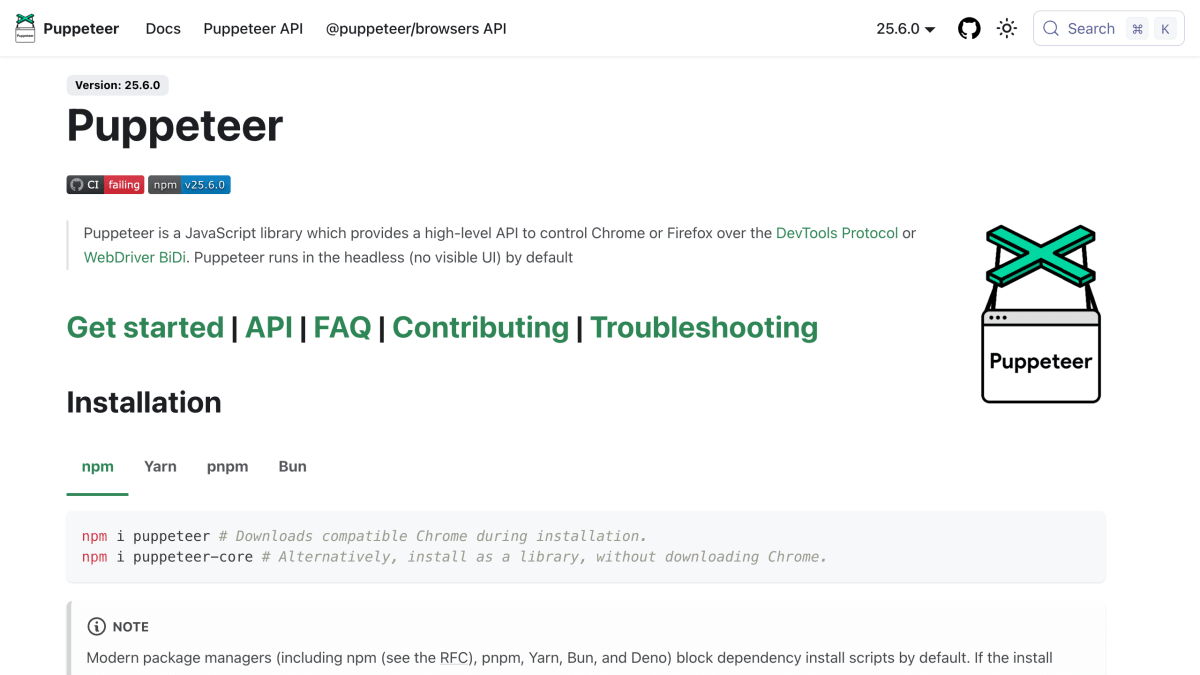
Puppeteer is a JavaScript library that provides a high-level API to control Chrome or Firefox over the DevTools Protocol or WebDriver BiDi. It runs headless by default and can be installed via npm, Yarn, pnpm, or Bun, either as the full `puppeteer` package (which downloads a compatible Chrome browser during installation) or as `puppeteer-core`, a lighter version without the bundled browser.
The library exposes methods for browser automation tasks such as launching a browser, opening pages, navigating to URLs, setting viewport size, simulating keyboard input, and locating and interacting with page elements through selectors including accessibility-based and text-based locators.
It is maintained by Google and is aimed at developers building browser automation, testing, or web scraping tools in JavaScript. A related project, chrome-devtools-mcp, offers a Puppeteer-based MCP server for browser automation and debugging, and Puppeteer also supports the experimental WebMCP API.
Key features
- Controls Chrome or Firefox over the DevTools Protocol or WebDriver BiDi
- Runs headless (no visible UI) by default
- High-level API for browser automation like navigation, clicks, and typing
- Element locators with accessibility and text-based selectors
- Screenshot and page interaction support via a scriptable browser instance
- Installable as puppeteer (bundled Chrome) or puppeteer-core (no browser download)
Frequently asked questions
What is Puppeteer?
Puppeteer is a JavaScript library that provides a high-level API to control Chrome or Firefox over the DevTools Protocol or WebDriver BiDi.
What languages or platforms does it support?
It is a Node.js/JavaScript library, installable via npm, Yarn, pnpm, or Bun.
Do I need to install a browser separately?
The puppeteer package downloads a compatible Chrome during installation, while puppeteer-core can be installed as a library without downloading a browser.
Does it run headless?
Yes, Puppeteer runs in headless mode (no visible UI) by default.
Is there tooling for MCP or debugging integration?
Yes, chrome-devtools-mcp is a Puppeteer-based MCP server for browser automation and debugging, and Puppeteer also supports the experimental WebMCP API.


SerpApi - Search API
SerpApi's Search API makes it easy and fast to scrape Google and other search engines.

Show your product to thousands of developers
· 100k monthly pageviews
· 7k newsletter subscribers
You might also like
PerfectBugReport.io
TestingA simple checklist of the essential items to include in bug reports.
Playwright
TestingPlaywright enables reliable end-to-end testing for modern web apps.
Polypane
Browser/TestingA browser for web developers and designers with all the tools you need to build responsive, accessible and fast sites five times faster.
Recurse ML
Testing/AI/ToolingFind bugs in AI Generated Code.
Responsively
Browser/Programming/TestingA dev-tool that aids faster and precise responsive web development.
Selenium
TestingSelenium is a suite of tools for automating web browsers.