
Playwright
Playwright enables reliable end-to-end testing for modern web apps.
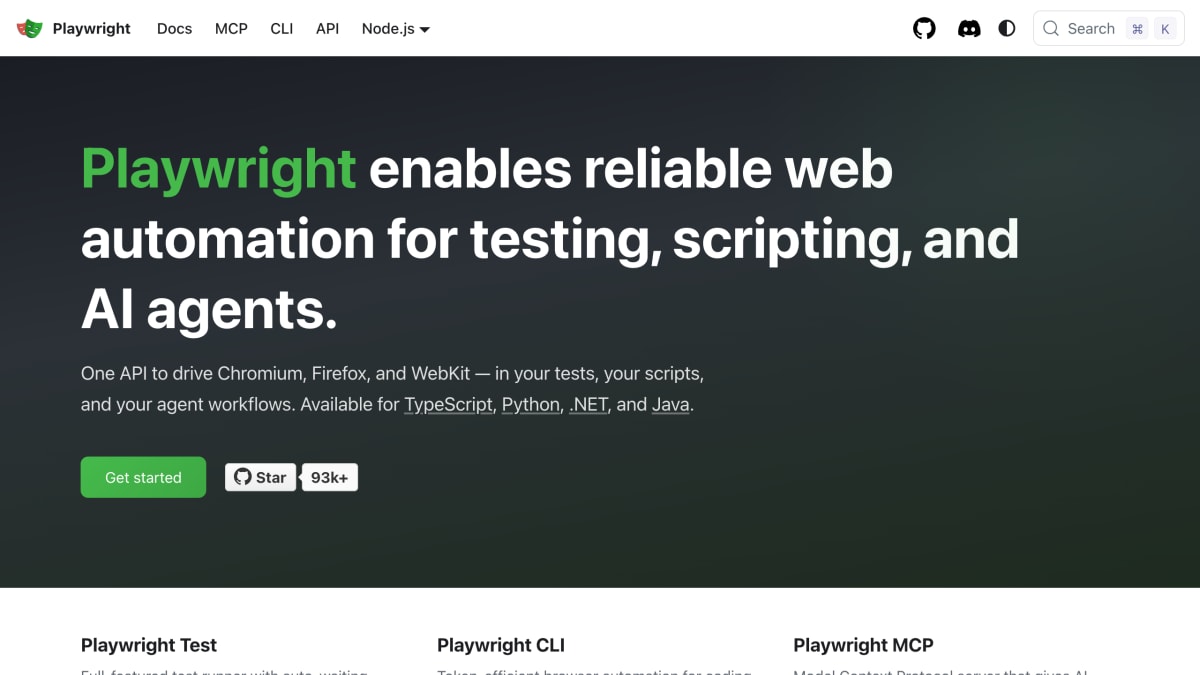
About Playwright
Playwright is a browser automation library for end-to-end testing of web applications, providing a single API to drive Chromium, Firefox, and WebKit browsers. It is available for TypeScript, Python, .NET, and Java, and includes a full-featured test runner with auto-waiting, web-first assertions that automatically retry, test isolation through fresh browser contexts, and resilient locators such as getByRole, getByLabel, getByPlaceholder, and getByTestId. It supports parallel test execution and sharding across machines, and runs on Linux, macOS, and Windows in headless or headed mode.
Beyond testing, Playwright provides tooling for browser scripting and AI agent workflows. This includes a Playwright CLI for coding agents like Claude Code and GitHub Copilot, offering token-efficient, skill-based browser automation, and a Playwright MCP server that gives AI agents structured browser control through accessibility snapshots rather than screenshots, compatible with clients such as VS Code, Cursor, Claude Desktop, and Windsurf.
Additional tooling includes a test generator that records browser actions and produces test code, a Trace Viewer for reviewing full execution timelines with DOM snapshots, network requests, console logs, and screenshots, a VS Code extension for running, debugging, and generating tests in the editor, and a session monitoring dashboard with live screencast previews of running browser sessions. The product is aimed at developers writing automated tests and at coding agents performing browser automation tasks.
Key features
- Cross-browser automation for Chromium, Firefox, and WebKit via a single API
- Auto-waiting and web-first assertions that retry until conditions are met
- Full test isolation with fresh browser contexts and reusable authentication state
- Resilient locators (getByRole, getByLabel, getByPlaceholder, getByTestId) instead of brittle CSS selectors
- MCP server and CLI for AI coding agents like Claude Code and GitHub Copilot
- Trace Viewer with DOM snapshots, network requests, console logs, and screenshots for debugging
Frequently asked questions
What languages does Playwright support?
Playwright is available for TypeScript/Node.js, Python, .NET, and Java.
What platforms and browsers does it support?
It supports Chromium, Firefox, and WebKit on Linux, macOS, and Windows, in both headless and headed modes.
Does Playwright work with AI coding agents?
Yes, it offers an MCP server and a token-efficient CLI designed for coding agents like Claude Code, GitHub Copilot, VS Code, Cursor, Claude Desktop, and Windsurf.
What tooling does Playwright provide for debugging tests?
It includes a Trace Viewer showing a full timeline of test execution with DOM snapshots, network requests, console logs, and screenshots, plus a VS Code extension for running and debugging tests in the editor.
How does Playwright avoid flaky tests?
It uses auto-waiting so actions only run once elements are actionable, and web-first assertions that automatically retry until conditions are met.


SerpApi - Search API
SerpApi's Search API makes it easy and fast to scrape Google and other search engines.

Show your product to thousands of developers
· 100k monthly pageviews
· 7k newsletter subscribers
You might also like
NativeBridge
Productivity/Testing/ToolingShow, Share, Approve: Mobile Apps in Any Browser.
pCloudy
TestingContinuous testing platform that helps to speed up the app testing by enabling end to end continuous testing for enterprises.
PerfectBugReport.io
TestingA simple checklist of the essential items to include in bug reports.
Polypane
Browser/TestingA browser for web developers and designers with all the tools you need to build responsive, accessible and fast sites five times faster.
Puppeteer
TestingPuppeteer is a Node library which provides a high-level API to control Chrome or Chromium over the DevTools Protocol. Puppeteer runs headless by default, but can be configured to run full (non-headless) Chrome or Chromium.
Recurse ML
Testing/AI/ToolingFind bugs in AI Generated Code.