Photopea
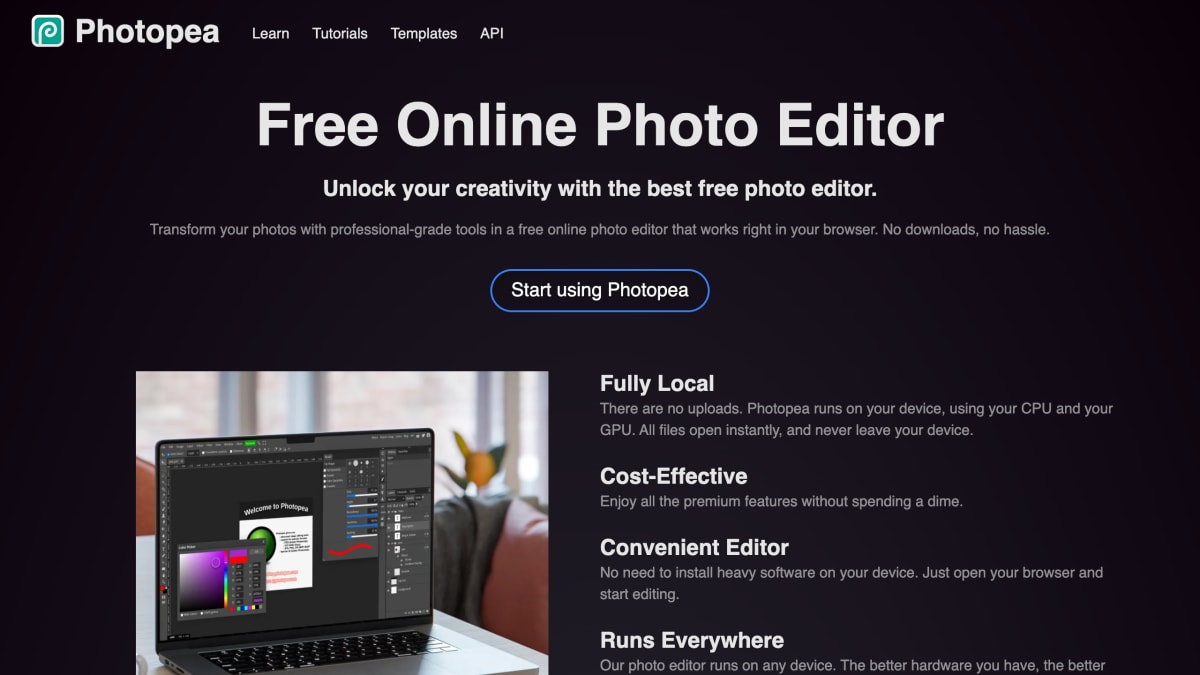
Photopea Online Photo Editor lets you edit photos, apply effects, filters, add text, crop or resize pictures.
About Photopea
Photopea is a browser-based photo and graphics editor that runs locally on the user's device, processing files without uploading them to a server. It supports opening and saving PSD files natively, along with over 40 other formats including PNG, JPG, GIF, BMP, WEBP, SVG, PDF, AI, AVIF, DDS, HEIC, TIFF, MP4, TGA, CDR, PDN, EPS, INDD, and Figma files. It also handles RAW formats such as DNG, CR2, CR3, NEF, ARW, RW2, RAF, ORF, and FFF, with controls for exposure, color balance, contrast, highlights, and shadows.
The editor includes layers, masks, layer styles, smart objects, adjustment layers, channels, and paths, along with adjustment and filter tools like Levels, Curves, Gaussian Blur, Liquify, and Puppet Warp. It also supports vector graphics editing and includes AI-based features for one-click background removal and text-description-based content replacement.
The product is aimed at social media users editing photos before posting, students and educators creating visuals for presentations and assignments, small business owners producing promotional materials and product photos, and graphic designers doing professional design work. It is free to use and requires no software installation.
Key features
- Full PSD editing support, including opening and saving Photoshop files
- Opens and edits 40+ formats including PNG, JPG, SVG, PDF, AI, and RAW formats like DNG, CR2, and NEF
- One-click AI background removal and text-description-based content replacement
- Layers, masks, layer styles, smart objects, adjustment layers, channels, and paths
- Adjustment and filter tools including Levels, Curves, Gaussian Blur, Liquify, and Puppet Warp
- Vector graphics creation and editing for logos, icons, and illustrations
Frequently asked questions
Is Photopea free to use?
Yes, Photopea is a free online photo editor offering premium features at no cost.
Do I need to install any software or upload my files?
No, Photopea runs entirely in your browser using your device's CPU and GPU, and files never leave your device since there are no uploads.
What file formats does Photopea support?
Photopea supports PSD, PNG, JPG, GIF, BMP, WEBP, SVG, PDF, AI, AVIF, DDS, HEIC, TIFF, MP4, TGA, CDR, PDN, EPS, INDD, Figma, and RAW formats like DNG, CR2, CR3, NEF, ARW, RW2, RAF, ORF, and FFF.
Who is Photopea designed for?
It's designed for social media users, students and educators, small business owners, and graphic designers.
Does Photopea require heavy software installation?
No, it works directly in any browser without needing to install heavy software.


SerpApi - Search API
SerpApi's Search API makes it easy and fast to scrape Google and other search engines.

Show your product to thousands of developers
· 100k monthly pageviews
· 7k newsletter subscribers
You might also like
Over.fig
Extension/UI/DesignCompare Figma design to website in real time.
pdforge
Editor/Design/MarketingThe new way to generate PDF documents for your SaaS. Use our no-code PDF builder and our easy-to-use API to generate modern PDF reports at scale without relying on your development team.
Photo Rush
AI/Image/DesignGenerate professional images of products with AI. Save money and use AI to do a photo shoot from your laptop or phone instead of hiring an expensive photographer.Get your product images in minutes.
PimpMySnap
Design/Marketing/ProductivityPimpMySnap is a powerful screenshot editor capable of transforming your screenshots into eye-catching visuals.
Pttrns
Design/Inspiration/UICheck out the finest collection of design patterns, resources, mobile apps and inspiration.
QoQo AI
AI/Design/UXQoQo.ai helps Product Designers and UX Researchers overcome limited resources for research by providing quick and efficient access to research insights.