Notepad++
Notepad++ is a text and source code editor for use with Microsoft Windows. It supports tabbed editing, which allows working with multiple open files in a single window.
About Notepad++
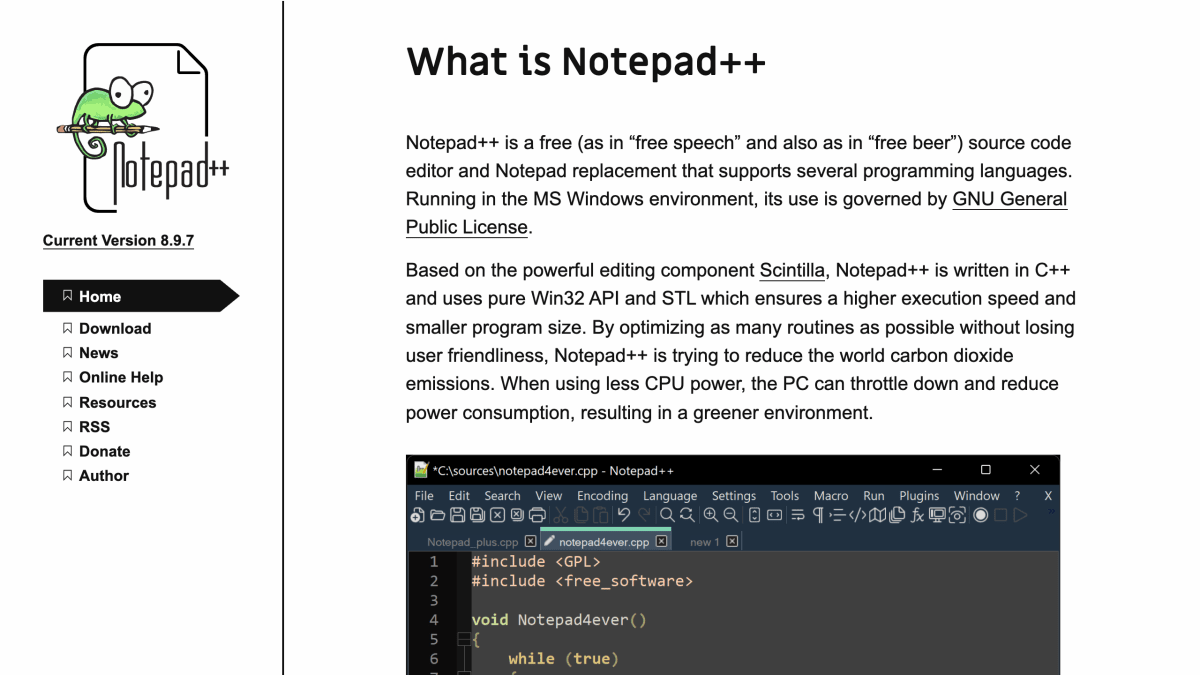
Notepad++ is a free and open-source source code editor and Notepad replacement for the Windows environment, released under the GNU General Public License. It supports multiple programming languages and is built on the Scintilla editing component, written in C++ using the Win32 API and STL.
The editor is designed for speed and a small program footprint, with development focused on optimizing routines for execution efficiency. It is suited for developers on Windows who need a lightweight, multi-language code editor as an alternative to the default Notepad application.
Key features
- Free and open-source source code editor (GPL license)
- Notepad replacement for Windows
- Supports syntax highlighting for several programming languages
- Built on the Scintilla editing component
- Written in C++ using pure Win32 API and STL for speed and small size
- Dark theme support
Frequently asked questions
Is Notepad++ free?
Yes, Notepad++ is free both as in free speech and free beer, licensed under the GNU General Public License.
What platforms does Notepad++ run on?
Notepad++ runs in the MS Windows environment.
What programming languages does Notepad++ support?
Notepad++ supports several programming languages through syntax highlighting.
What is Notepad++ built with?
Notepad++ is written in C++ using pure Win32 API and STL, and is based on the Scintilla editing component.
Does Notepad++ have a dark theme?
Yes, Notepad++ offers a dark theme option.


SerpApi - Search API
SerpApi's Search API makes it easy and fast to scrape Google and other search engines.

Show your product to thousands of developers
· 100k monthly pageviews
· 7k newsletter subscribers
You might also like
IntelliJ IDEA
Editor/ProgrammingA Capable and Ergonomic Java IDE for Enterprise Java, Scala, Kotlin and much more...
Let
Editor/ImageSimple machine learning software to enlarge images with no quality loss, enhance colors and photo resolution, automatically retouch product photos. Free trial.
Magic Potion
Productivity/AI/EditorVisual AI Prompt Editor.
Optimizeimages
Editor/ImageOptimize images online with this free tool, compress & convert images in PNG, JPEG, SVG, AVIF, WebP and GIF formats, and even get picture HTML tags for correct implementation.
pdforge
Editor/Design/MarketingThe new way to generate PDF documents for your SaaS. Use our no-code PDF builder and our easy-to-use API to generate modern PDF reports at scale without relying on your development team.
PhotoRoom
Image/EditorCreate product and portrait pictures using only your phone. Remove background, change background and showcase products.