JustClock — Automatic IDE Time Tracker
Automatic Project Time Tracking Plugin for JetBrains IDEs, Android Studio, VS Code, Devin, Cursor and Visual Studio.
About JustClock — Automatic IDE Time Tracker
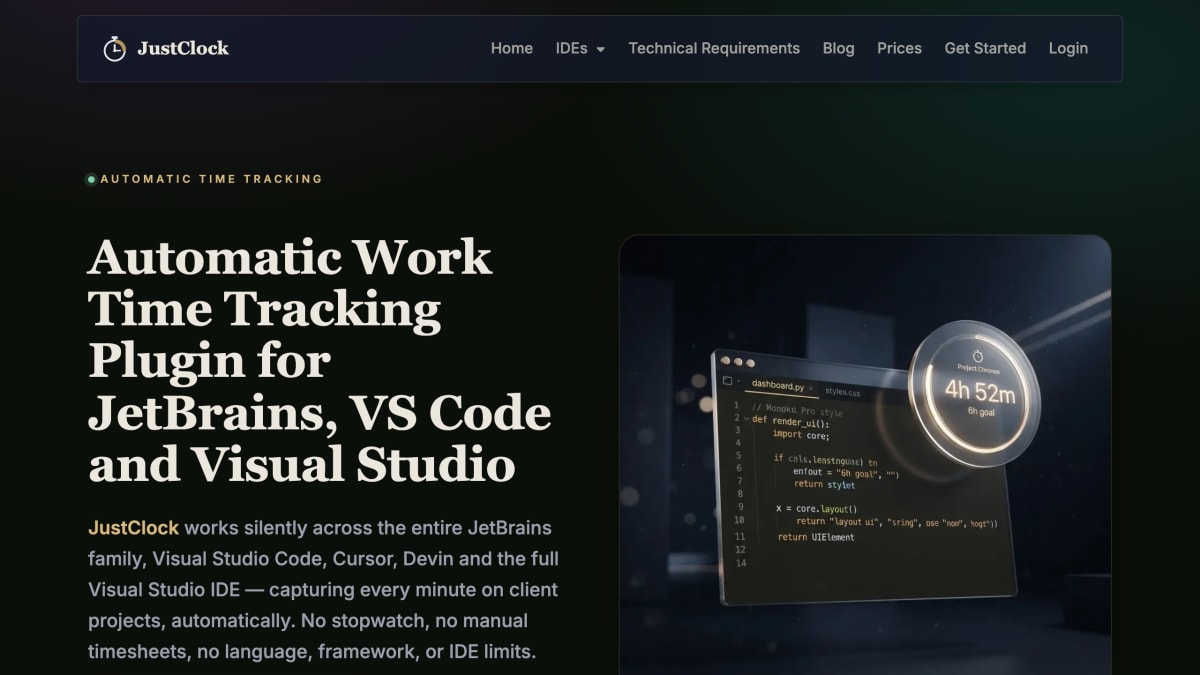
JustClock is an automatic time tracking plugin for IDEs, designed to record time spent on client projects without manual timesheets or a stopwatch. It runs across the JetBrains family (IntelliJ IDEA, PyCharm, WebStorm, PhpStorm, GoLand, CLion, Rider, Android Studio, RubyMine, DataGrip, RustRover), Visual Studio Code and VS Code-compatible editors (Cursor, Devin, Trae), and the full Visual Studio IDE. Installation is through the JetBrains Marketplace, Visual Studio Marketplace, or Open VSX Registry, followed by pairing the plugin with an API key from the JustClock website.
The tool tracks project name/identifier, active time spent in the IDE, and a user account identifier, syncing at a 120-second interval. It does not read code or file contents, log keystrokes, or collect other personal data.
JustClock offers a 60-day free trial with no credit card required. It is aimed at developers who bill or report time on client projects and want tracking to run passively in the background across multiple IDEs and languages.
Key features
- Automatic time tracking across JetBrains IDEs, VS Code, Cursor, Devin, Trae and Visual Studio
- Silent background operation with no manual timesheets or stopwatch needed
- Minute-level sync with a 120-second sync interval
- Privacy-focused design that never reads code, keystrokes, or file contents
- Supports 20+ IDEs across JetBrains, VS Code-compatible, and full Visual Studio families
Frequently asked questions
Is there a free trial?
Yes, JustClock offers a 60-day free trial.
What data does JustClock collect?
It collects the project name/identifier, active time spent in the IDE, and a user account identifier.
Does JustClock read my code or keystrokes?
No, JustClock never touches your code, file contents, keystrokes, or sensitive input.
Which IDEs and editors are supported?
JustClock supports the JetBrains family (IntelliJ IDEA, PyCharm, WebStorm, PhpStorm, GoLand, CLion, Rider, Android Studio, RubyMine, DataGrip, RustRover), VS Code-compatible editors (VS Code, Cursor, Devin, Trae), and the full Visual Studio 2022+.
How do I install and set it up?
Install the plugin/extension from the relevant marketplace (JetBrains Marketplace, VS Code Marketplace, Open VSX Registry, or Visual Studio Marketplace), then get an API key from the JustClock website and paste it into the plugin's settings.


SerpApi - Search API
SerpApi's Search API makes it easy and fast to scrape Google and other search engines.

Show your product to thousands of developers
· 100k monthly pageviews
· 7k newsletter subscribers
You might also like
EzUptime
Performance/ToolingMonitor your website and API endpoints. Receive real-time notifications for downtime and recoveries. Prevent cold-starts for your Serverless Functions.
Gcore Speed Test
PerformanceCheck your Internet speed and the quality of your broadband and mobile connection with our free speed testing tool.
GTmetrix
PerformanceGTmetrix is a free tool that analyzes your page.
Lightest
PerformanceWeb performance visualization and comparison tool. Analyze website loading against competitors.
MySQL Visual Explain
Database/PerformanceTransform MySQL EXPLAIN output to easy-to-understand visualizations.
PageGuard
SEO/Accessibility/PerformanceFree all-in-one website health scanner. Checks SEO, ADA/WCAG accessibility, Core Web Vitals performance, and best practices in one scan. Paid plans add automated monitoring and alerts.