
GitHub Pages
Websites for you and your projects, hosted directly from your GitHub repository. Just edit, push, and your changes are live.
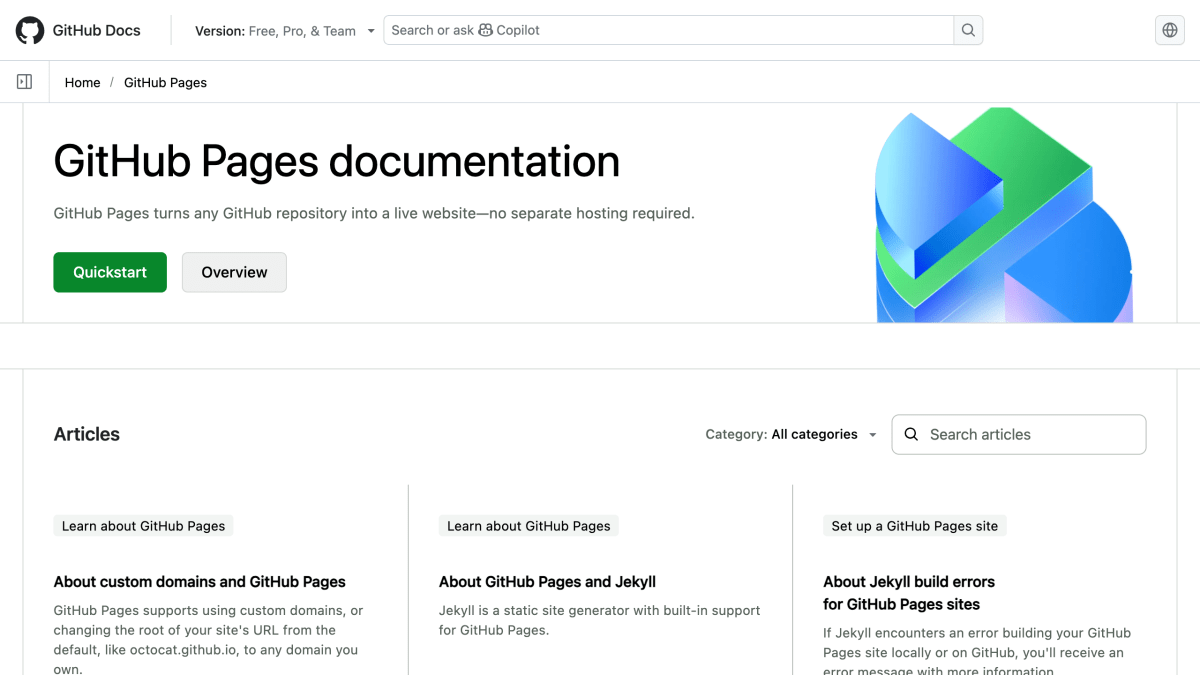
About GitHub Pages
GitHub Pages is a static website hosting service that publishes sites directly from a GitHub repository. Users create a repository (either a personal/organization site named username.github.io, or a project repository), add HTML content, and push changes via git or the GitHub.com web editor; the site becomes live at the corresponding github.io URL. One user or organization site is allowed per GitHub account, alongside unlimited project sites.
The service supports building sites from scratch or using pre-built themes selectable through a repository's Settings tab. It also integrates with Jekyll for blogging with Markdown syntax without a database, and supports custom domains through a CNAME file in the repository.
It is intended for GitHub users who want to host personal, organizational, or project documentation sites directly tied to their repositories, using either a git client (command line or GitHub Desktop) or the GitHub.com web interface.
Key features
- Hosts websites directly from a GitHub repository — push changes and they go live
- One user/organization site per account plus unlimited project sites
- Supports custom domains via a CNAME file
- Blogging support through Jekyll with Markdown syntax, no database required
- Pre-built theme chooser for quick site setup, or build from scratch with plain HTML
Frequently asked questions
Is GitHub Pages free?
The page does not state pricing details.
How do I publish a site?
Create a repository (username.github.io for a user site, or any repo for a project site), add an index.html file, and push the changes to GitHub; the site is then live at the corresponding GitHub Pages URL.
Can I use a custom domain?
Yes, you can use your own custom domain by creating a CNAME file in the repository with your URL.
Does GitHub Pages support blogging?
Yes, you can blog using Jekyll with Markdown syntax without needing a database.
Do I need special tools to get started?
You just need a GitHub account and a git client such as a terminal or GitHub Desktop to clone and push a repository.


SerpApi - Search API
SerpApi's Search API makes it easy and fast to scrape Google and other search engines.

Show your product to thousands of developers
· 100k monthly pageviews
· 7k newsletter subscribers
You might also like
Cloudflare Pages
Hosting/ServerlessCloudflare Pages is a JAMstack platform for frontend developers to collaborate and deploy websites.
Diploi
Hosting/ProgrammingBootstrap full-stack apps + databases and deploy online in seconds, while skipping all DevOps or server config, with integrated support for remote development to start coding without running anything locally.
Gcore Basic
HostingVirtual machines for various tasks: from hosting a cooking blog to making a backup server.
GoDaddy
Domain/Hosting/Website BuilderYour all in one solution to grow online. Start a free trial to create a beautiful website, get a domain name, fast hosting, online marketing and award-winning 24/7 support.
Heroku
HostingHeroku is a platform as a service (PaaS) that enables developers to build, run, and operate applications entirely in the cloud.
Hostman
HostingCloud hosting for startups and developers.