
Edge
See what's new on the latest version of the Microsoft Edge browser. Explore features, rewards, and more before you download the new browser today.
About Edge
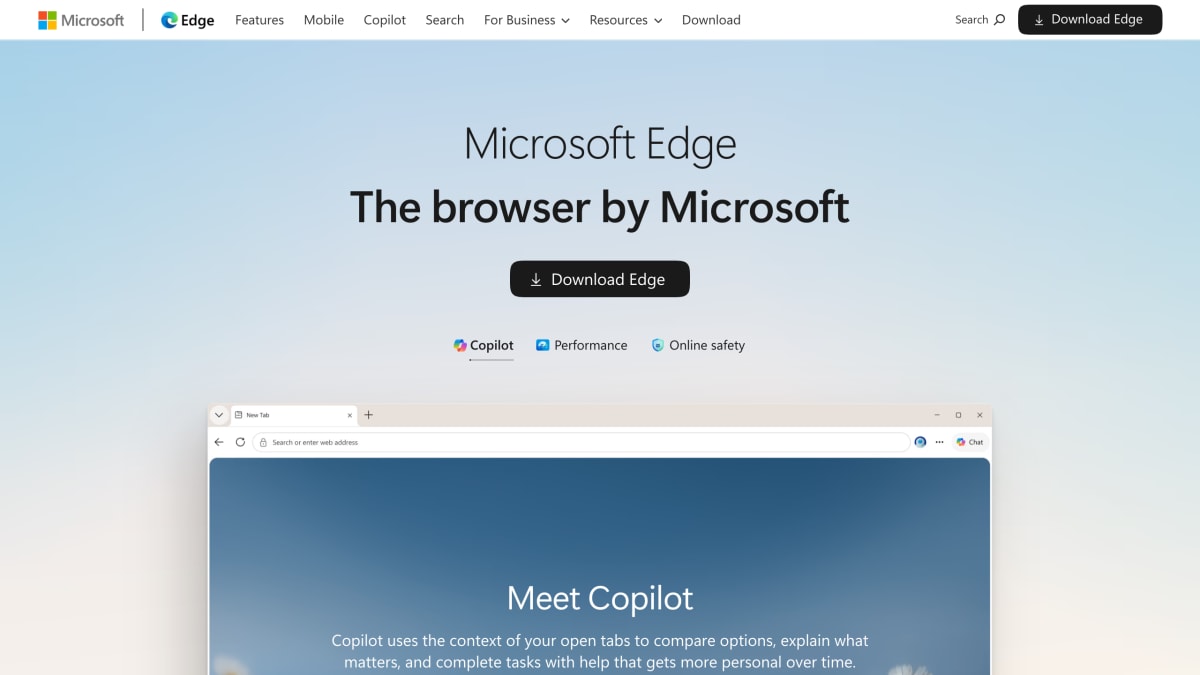
Microsoft Edge is a web browser with an integrated AI assistant called Copilot, which can read the content of open tabs to compare options, summarize pages, draft replies, and assist with tasks such as bookings, comparisons, and purchases. Copilot Vision extends this by analyzing the user's screen to offer suggestions. The browser is available for macOS, Windows, iOS, and Android, and syncs passwords, favorites, and settings across devices.
On macOS, Edge integrates with system features including Spotlight search, Touch ID, and trackpad gestures. Additional features include a scareware blocker, AI-generated browser themes, AI image generation, one-click tab organization, an energy saver mode intended to extend battery life, Edge Secure Network, built-in password management, and Microsoft Defender SmartScreen for blocking phishing and malware. A dedicated in-game browser is available through Game Bar for PC gaming.
Edge also integrates with Bing search and Microsoft Rewards, and provides access to free Microsoft 365 web apps (Word, Excel, PowerPoint) alongside browser content, noting that this requires internet access and that fees may apply for some features.
Key features
- Copilot AI assistant that uses open-tab context to compare options, summarize pages, and complete tasks
- Copilot Vision can see and analyze your screen to offer suggestions
- Built-in security features including Microsoft Defender SmartScreen, Edge Secure Network, and password management
- Scareware blocker to protect against scareware attacks
- Performance features like Energy Saver, Startup Boost, and Sleeping Tabs for longer battery life
- Cross-device sync of passwords, favorites, and settings across Windows, macOS, iOS, and Android
Frequently asked questions
What platforms is Microsoft Edge available on?
Edge is available on Windows, macOS, iOS, and Android, with settings, passwords, and favorites synced across devices.
Does Edge include an AI assistant?
Yes, Edge includes Copilot, which uses the context of open tabs to compare options, explain details, and help complete tasks like bookings and comparisons.
What security features does Edge offer?
Edge includes Microsoft Defender SmartScreen to block phishing and malware, a scareware blocker, an Edge Secure Network, and password management.
Does Edge work well on Mac?
Yes, Edge supports macOS-native features like Spotlight search, Touch ID login, and smooth trackpad gestures.
What performance features does Edge have?
Edge includes Energy Saver, Startup Boost, and Sleeping Tabs, offering an average of 25 more minutes of battery life through efficiency mode.


SerpApi - Search API
SerpApi's Search API makes it easy and fast to scrape Google and other search engines.

Show your product to thousands of developers
· 100k monthly pageviews
· 7k newsletter subscribers
You might also like
Chrome Reader Mode
Extension/Productivity/BrowserTransform page to simple reading mode.
CSS Scan
Browser/Extension/ProgrammingGoodbye to "Inspect Element" — Visualize the CSS of any element you hover over, instantly, and copy its entire rules with a single click.
CSSViewer
Browser/ExtensionA simple CSS property viewer.
Edge Canary
BrowserWant to see what we were working on yesterday? Canary will be released automatically almost every night to keep you up to date on our progress.
Edge Dev
BrowserOur dev builds are the best representation of our improvements in the past week. They have been tested by the Microsoft Edge team, and are generally more stable than Canary.
Firefox
BrowserFaster page loading, less memory usage and packed with features, the new Firefox is here.