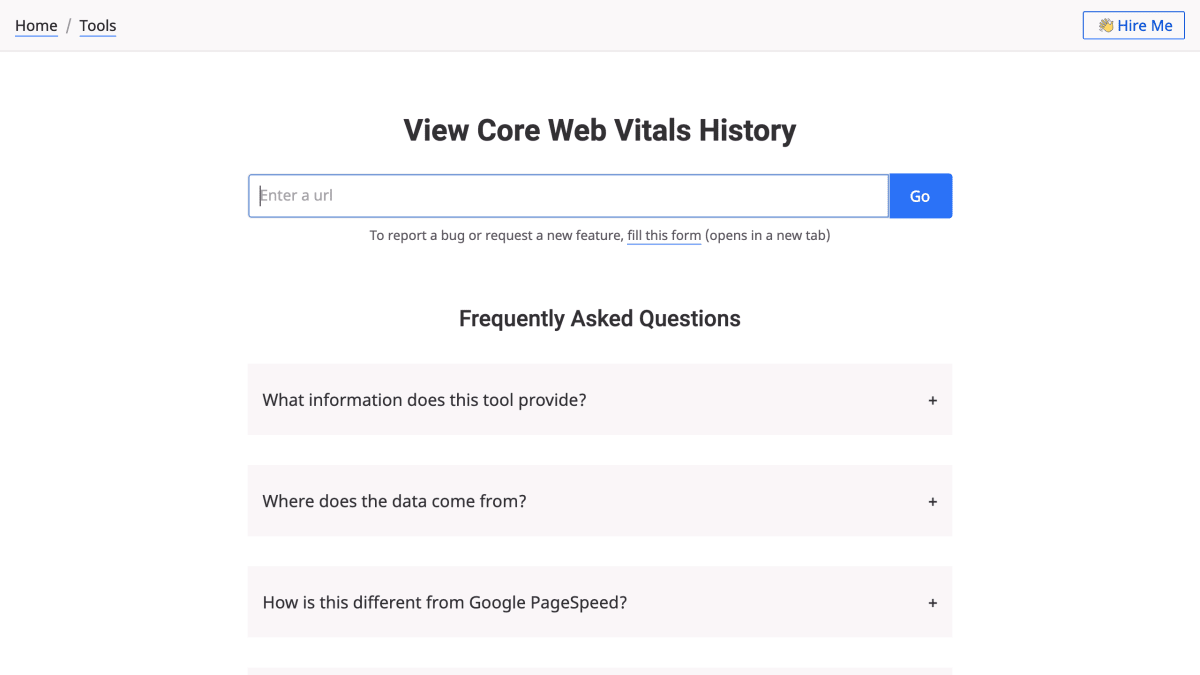
Core Web Vitals History Checker
Know if the core web vitals for a url or an origin have improved, degraded or remained stable for the last six months.
About Core Web Vitals History Checker
Core Web Vitals History Checker is a tool that displays historical Core Web Vitals data for a given URL over the past six months, when available. It shows metrics for both phone and desktop, at the URL or origin level, using the standard Good / Needs Improvement / Poor thresholds.
The data is sourced from Google's CrUX API, the same aggregated, anonymized field data drawn from real Chrome users that powers PageSpeed Insights and Search Console. Unlike PageSpeed, which only shows current values, this tool charts the metrics over time, making it possible to identify when a performance regression or improvement occurred and correlate it with code or infrastructure changes. The tool does not capture or store data itself, and results are unavailable for URLs with insufficient traffic for Google to aggregate.
It is intended for developers and teams who want to track website performance trends over time rather than a single snapshot, such as diagnosing when a Core Web Vitals metric degraded relative to a deployment or infrastructure change.
Key features
- Visualizes Core Web Vitals for a given URL over the last 6 months
- Pulls historical data from Google's CrUX API
- Supports both phone and desktop views
- Toggle between URL-level and origin-level data
- Shows performance distribution (Good/Needs Improvement/Poor) for each metric
Frequently asked questions
Where does the data come from?
The data is fetched from Google's CrUX API, the same data Google exposes via pagespeed.web.dev or Google Search Console. The tool itself does not capture or store any data.
How is this different from Google PageSpeed?
Google PageSpeed shows current Core Web Vitals, while this tool shows the last six months of history. This lets you correlate performance regressions or improvements with code or infra changes.
Why isn't there any data for some URLs?
For URLs with a low number of hits, Google doesn't aggregate or expose the stats through the CrUX API, so no data is available.
How does Google collect this data?
Every URL visit via Chrome sends anonymized Core Web Vitals stats to Google, which aggregates them into CrUX. The tool's data reflects real users visiting the provided URL.


SerpApi - Search API
SerpApi's Search API makes it easy and fast to scrape Google and other search engines.

Show your product to thousands of developers
· 100k monthly pageviews
· 7k newsletter subscribers
You might also like
DebugBear Speed Test
Performance/ToolingTest the speed of your website and get recommendations on how to make it faster.
EzUptime
Performance/ToolingMonitor your website and API endpoints. Receive real-time notifications for downtime and recoveries. Prevent cold-starts for your Serverless Functions.
Gcore Speed Test
PerformanceCheck your Internet speed and the quality of your broadband and mobile connection with our free speed testing tool.
GTmetrix
PerformanceGTmetrix is a free tool that analyzes your page.
Lightest
PerformanceWeb performance visualization and comparison tool. Analyze website loading against competitors.
MySQL Visual Explain
Database/PerformanceTransform MySQL EXPLAIN output to easy-to-understand visualizations.