
Chrome
Get more done with the new Google Chrome. A more simple, secure, and faster web browser than ever, with Google’s smarts built-in. Download now.
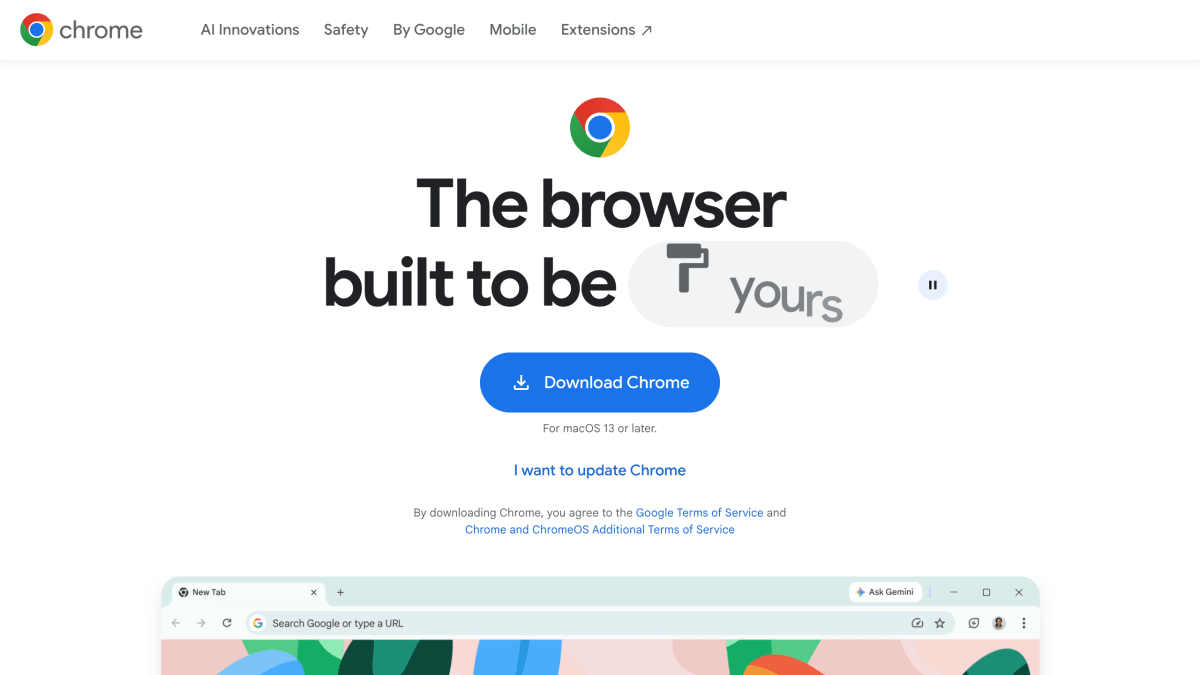
About Chrome
Chrome is a web browser developed by Google, available for Windows and Mac operating systems, with a mobile version also offered. It includes a built-in password manager for saving and generating passwords, Safe Browsing protections against malware and phishing sites, and a Safety Check feature that reviews saved passwords, extensions, and settings. Tab management tools include tab grouping with labels and colors, vertical tabs, and a split view for viewing two tabs side by side. Users can sync bookmarks, passwords, and other data across devices by signing in, and can extend browser functionality through extensions available in the Chrome Web Store.
The browser integrates Gemini, Google's AI assistant, which can use the context of open tabs and browsing history to answer questions, visualize information, and perform tasks such as shopping, reservations, and research through a feature called auto browse; auto browse is limited to Google AI Pro and Ultra subscribers in the U.S. Gemini in Chrome also includes an image generation model (Nano Banana) for visualizing or transforming images found on the web, and a Skills feature for saving and reusing frequently used prompts across different pages. Chrome also integrates Google's AI Mode for search directly in the address bar, alongside standard search functions like unit conversion and math calculations.
Additional built-in Google integrations include Google Pay for storing payment information and checking out on websites, and Google Lens for visually searching, translating, or identifying items found on webpages or in photos. Chrome receives automatic updates approximately every four weeks and offers customization options including themes and dark mode. It is intended for general web browsing use across desktop and mobile devices.
Key features
- Gemini in Chrome AI assistant that uses open tabs and browsing history for context
- AI Mode built into Google Search for conversational search alongside open tabs
- Built-in Google Password Manager for saving and creating strong passwords
- Enhanced Safe Browsing warns about malware and phishing attacks
- Vertical tabs and split view for managing and viewing multiple tabs
- Tab grouping with labels and color coding, plus autofill for addresses and passwords
Frequently asked questions
What operating systems does Chrome support?
Chrome is compatible with devices running Windows and Mac operating systems, provided they meet the minimum system requirements.
How do I install Chrome?
Download the installation file, open it in your downloads folder, and follow the instructions; you can delete the install file afterward.
Does Chrome include AI features?
Yes, Chrome includes Gemini in Chrome, an AI assistant that can visualize information, do tasks via auto browse, and answer questions using tab context, plus AI Mode built into Google Search.
Is auto browse available to everyone?
No, auto browse in Gemini in Chrome is available only to Google AI Ultra and Pro subscribers in the U.S.
Does Chrome help manage passwords and security?
Yes, Chrome has a built-in Google Password Manager and features like Enhanced Safe Browsing and Safety Check to protect passwords, extensions, and settings.


SerpApi - Search API
SerpApi's Search API makes it easy and fast to scrape Google and other search engines.

Show your product to thousands of developers
· 100k monthly pageviews
· 7k newsletter subscribers
You might also like
BrowserStack
Browser/TestingInstant access to 2000+ browsers and real iOS and Android devices for cross browser testing. Ship apps and websites that work for everyone, every time. Get Free Trial.
Causeway
Browser/Tooling/AIGive your AI a real Chromium browser: Causeway exposes 52 MCP tools to navigate, read, click, type, screenshot, and run JavaScript through CDP.
Check My Links
Browser/ExtensionCheck My Links is a link checker that crawls through your webpage and looks for broken links.
Chrome Canary
BrowserGet on the bleeding edge of the web with Chrome Canary designed for experienced developers and updated nightly.
Chrome Dev
BrowserGoogle Chrome for developers was built for the open web. Test cutting-edge web platform APIs and developer tools that are updated weekly.
Chrome Reader Mode
Extension/Productivity/BrowserTransform page to simple reading mode.