Aptakube
Modern, lightweight and multi-cluster Kubernetes desktop client. Available on Windows, macOS and Linux.
About Aptakube
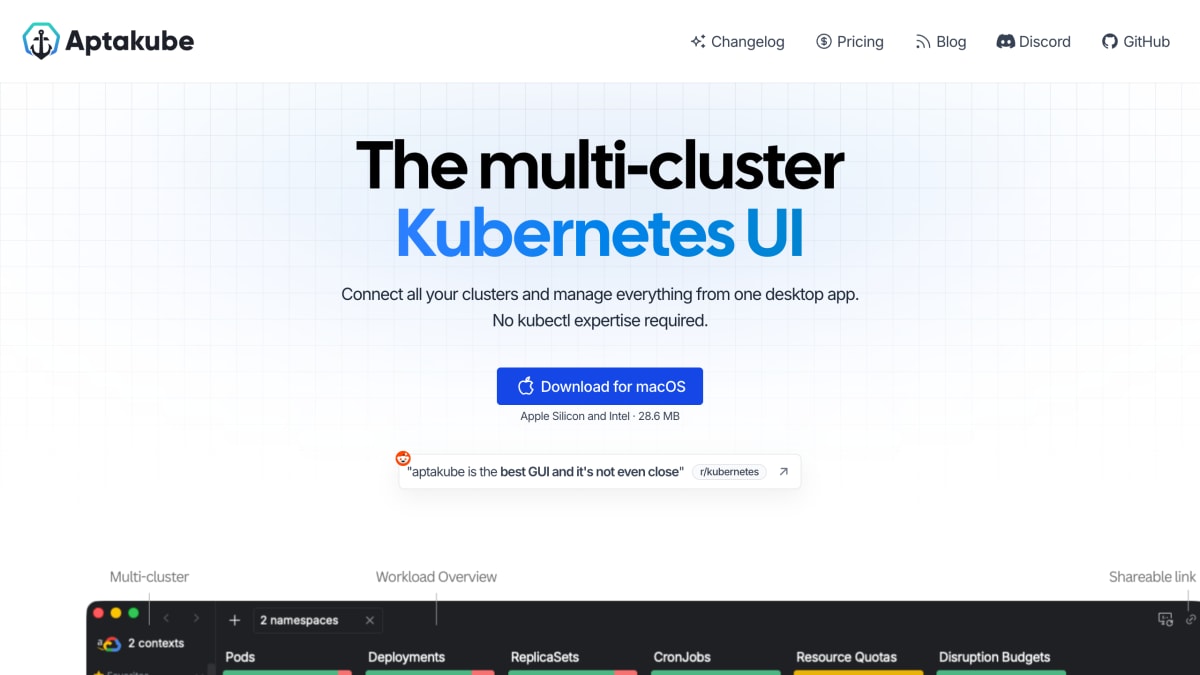
Aptakube is a desktop GUI client for managing Kubernetes clusters, built with Tauri and available for macOS, Windows, and Linux. It connects directly to a cluster's API server, similarly to kubectl, and supports connecting to multiple clusters simultaneously in a single view. It requires no server-side component installed on the cluster and works with existing kubectl configurations without modifying them.
The application provides a workload overview that highlights failing pods, non-running deployments, undersized containers, warning events, and recent restarts. It includes an aggregated log viewer for streaming live and historical logs from multiple pods and containers at once, with filtering and download options. Other features include CPU and memory usage metrics (via metrics-server or Prometheus), one-click port forwarding, resource diffing across clusters or namespaces, viewing and editing resources in both human-friendly and YAML formats, and quick actions for tasks like restarting pods or scaling replicas.
Aptakube is aimed at engineers, DevOps practitioners, and SREs who manage Kubernetes clusters and want an alternative to CLI-only workflows or other GUI tools such as Lens or k9s. It works with any Kubernetes distribution, including GKE, EKS, AKS, OpenShift, Talos, and Rancher, and follows the EKS, AKS, and GKE release calendar for supported Kubernetes versions, generally covering the last five versions.
Key features
- Connect to and manage multiple Kubernetes clusters simultaneously
- Aggregated log viewer streaming live and historical logs from multiple pods/containers
- Pod and node CPU/Memory usage metrics via metrics-server or Prometheus
- One-click port forwarding from pods to local machine
- Resource diff to compare configurations across clusters or namespaces
- View, create, and modify resources in a human-friendly UI or directly as YAML
Frequently asked questions
What platforms does Aptakube run on?
Aptakube is available as a desktop app for macOS (Apple Silicon and Intel), Windows 10+, and Linux (.deb, .rpm, .AppImage).
Do I need to install anything on my cluster?
No, Aptakube requires no custom server-side component and connects directly to your cluster's API server from your machine, just like kubectl.
Is it safe to use Aptakube?
Yes, Aptakube connects directly to the cluster's API server and your cluster data, logs, and connection settings never leave your machine.
Which Kubernetes distributions and versions are supported?
Aptakube works with any Kubernetes cluster including GKE, EKS, AKS, OpenShift, Talos, and Rancher, and generally supports the last 5 Kubernetes versions following the EKS/AKS/GKE release calendar.
Is Aptakube built on Electron?
No, Aptakube is built with Tauri instead of Electron, making it smaller and faster.


SerpApi - Search API
SerpApi's Search API makes it easy and fast to scrape Google and other search engines.

Show your product to thousands of developers
· 100k monthly pageviews
· 7k newsletter subscribers
You might also like
AWS
Cloud Computing/Hosting/ServerlessAmazon Web Services offers reliable, scalable, and inexpensive cloud computing services. Free to join, pay only for what you use.
AWS Serverless kit (best practices)
Serverless/Productivity/Cloud ComputingAWS has never been easier with the Scale to Zero Kit. The kit comes with everything you need. Deploy fast, scale, and pay only for what you use.
Azure
Cloud Computing/Hosting/ServerlessInvent with purpose, realise cost savings and make your organisation more efficient with Microsoft Azure’s open and flexible cloud computing platform.
Brainboard
Cloud Computing/PrototypingVisually Design, Deploy & Manage modern cloud infrastructures starting from any Cloud Provider - AWS, GCP, Azure.
Gcore Cloud
Cloud ComputingScalable, secure, and reliable hybrid cloud services anywhere in the world.
Kinsta
Hosting/Cloud Computing/DatabaseKinsta is a Cloud Platform designed to help your company and dev teams ship web projects faster and more efficiently. You can host your apps, databases, and sites all in one place. Easily connect with GitHub and automate deployments and get 24/7 support for all your favorite languages and frameworks.