
WP Foundry
A desktop WordPress management application.
About WP Foundry
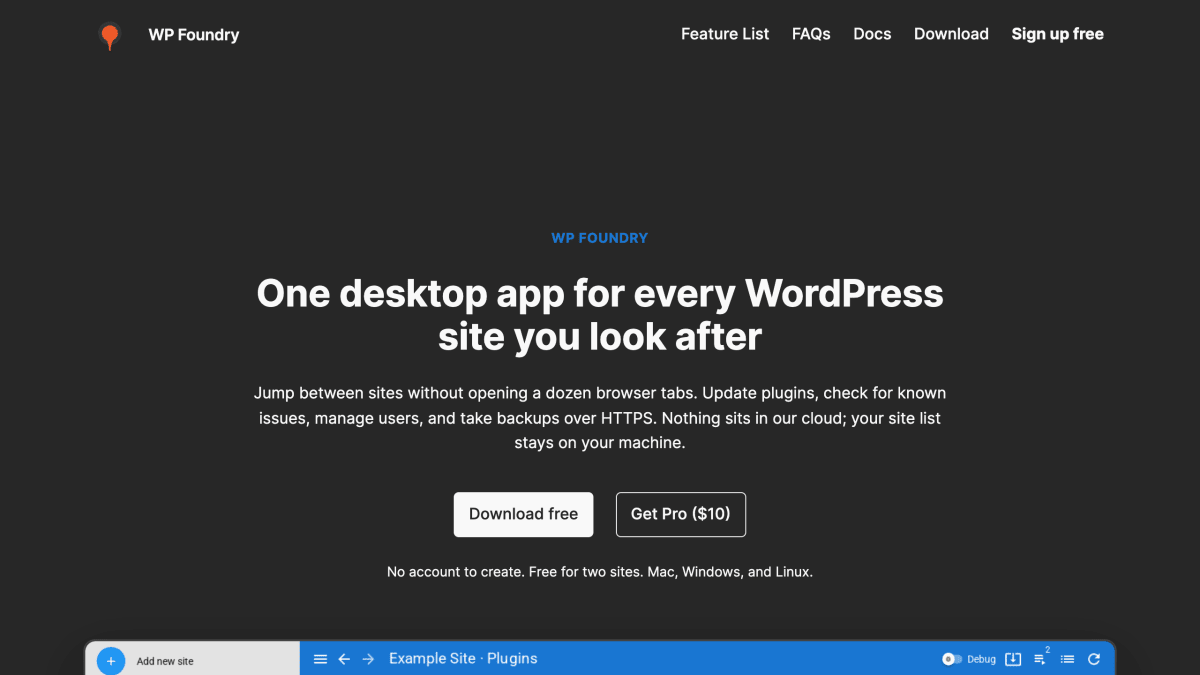
WP Foundry is a desktop application for managing multiple WordPress sites from a single interface, available for Mac, Windows, and Linux. It connects to each site over HTTPS through a WP Foundry Helper plugin installed on the site, using a shared secret pasted into the app; site URLs and secrets are stored in a local database on the user's machine rather than synced to a cloud account. From the app, users can update plugins, themes, and core across sites individually or in bulk, back up plugins or themes before making changes, check for known vulnerabilities in installed plugins and themes, and manage users and roles without logging into each site's wp-admin separately. Long-running tasks are handled through a queue, with command logs kept locally.
The product targets freelancers and small agencies managing client sites, solo developers maintaining multiple sites, and site owners who want to perform updates and backups without regularly using the WordPress dashboard. It is positioned as a local tool rather than a hosting panel or cloud SaaS.
The app is free for up to two WordPress sites. A Pro license, priced at $10 as a one-time purchase, unlocks unlimited sites; both tiers include the same feature set, and software updates are included for one year. No account creation is required to use the app.
Key features
- Update plugins, themes, and WordPress core from one desktop app
- Back up plugins and themes before making changes
- Check sites against known plugin and theme vulnerabilities
- Manage users and roles across sites without using wp-admin
- Queue long-running jobs and view local command logs
- Manage multiple WordPress sites from a single sidebar
Frequently asked questions
Is there a free tier?
Yes, WP Foundry is free for up to two WordPress sites. Pro unlocks unlimited sites for a one-time $10 license.
Do I need to create an account?
No, there is no WP Foundry account and no cloud sync; site URLs and shared secrets are stored in a local database on your machine.
What platforms does it run on?
WP Foundry is a desktop app available for Mac, Windows, and Linux.
How does it connect to my WordPress sites?
You install and activate the WP Foundry Helper plugin on each site and connect using a shared secret over HTTPS.
Who is WP Foundry for?
It is aimed at freelancers, small agencies, and solo developers managing multiple WordPress sites, rather than being a hosting panel or cloud SaaS.


SerpApi - Search API
SerpApi's Search API makes it easy and fast to scrape Google and other search engines.

Show your product to thousands of developers
· 100k monthly pageviews
· 7k newsletter subscribers
You might also like
Vue.js devtools
Browser/ExtensionBrowser devtools extension for debugging Vue.js applications.
Wallaby.js
Editor/ExtensionWallaby.js runs your JavaScript and TypeScript tests immediately as you type in VS Code, WebStorm and other editors, highlighting results next to your code.
Wappalyzer
Browser/ExtensionFind out the technology stack of any website. Create lists of websites and contacts by the technologies they use.
Web Developer
Browser/ExtensionDownload the Web Developer extension for Chrome and Firefox.
Web Developer Checklist
Browser/ExtensionAnalyses any web page for violations of best practices.
WhatFont
Browser/ExtensionThe easiest way to identify fonts on web pages.