
SVGX
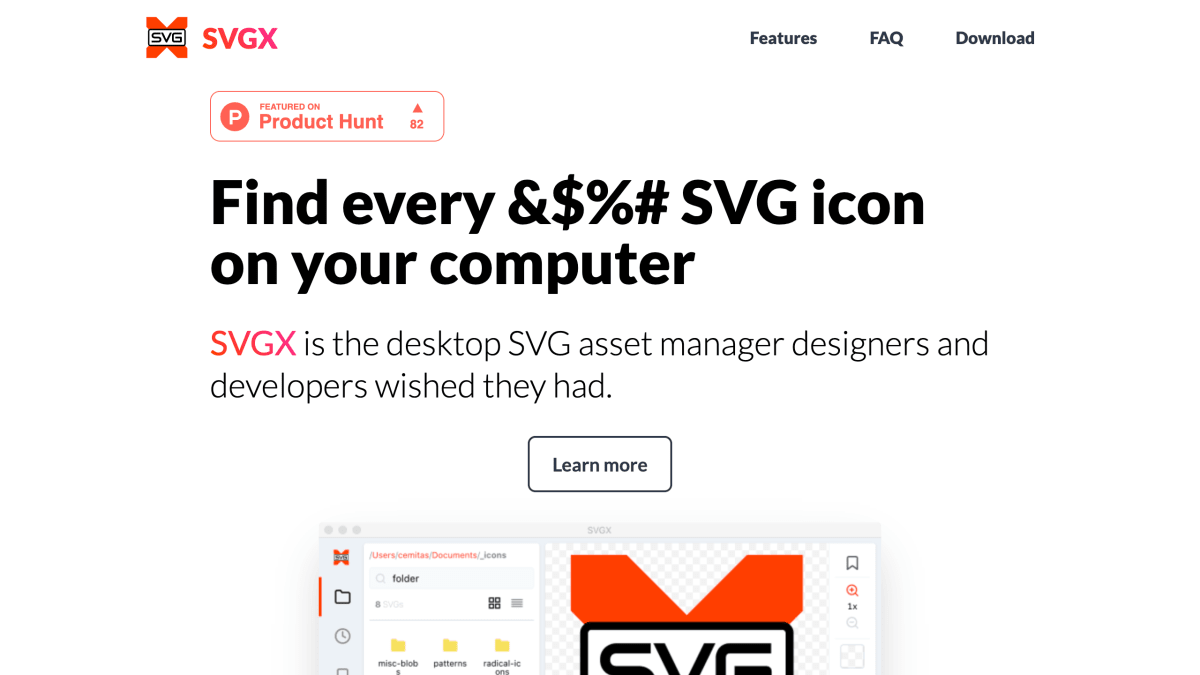
SVGX is the desktop SVG asset manager designers and developers wished they had.
About SVGX
SVGX is a desktop application for managing SVG icon assets, available for Mac and Windows. It searches and locates SVG files across nested folders on a user's computer, and provides preview and zoom functionality to inspect how files render. It includes inline editing of SVG markup with live preview of changes, and built-in optimization using the SVGO library.
The application offers several export and copy options: copying raw or URL-encoded SVG markup, generating background-image CSS code with adjustable background-repeat, background-position, and background-size values, and exporting files as original/optimized SVG or as PNG. Additional features include dark mode, a recents list, and bookmarking for frequently used files. PNG export requires the source SVG to have explicit width and height attributes set.
SVGX is aimed at designers and developers who work with SVG icon libraries. It is free to download and use, is not open source, and is distributed outside the Apple and Microsoft app stores without code signing; the developer provides SHA256 hashes of the installer files for verification. Access to the source code can be purchased separately.
Key features
- Search and locate SVG icons across deeply nested folders
- Preview and zoom SVG rendering on screen
- Inline live-edit SVG markup with instant preview
- Copy SVG markup, URL-encoded code, or CSS background-image code
- Built-in SVG optimization using SVGO
- Export original or optimized SVG, or save as PNG
Frequently asked questions
Is SVGX free to use?
Yes, SVGX can be downloaded and used free of charge.
Is SVGX open source?
No, SVGX is not open source, but it follows the Gitware model where access to the source code can be purchased on GitHub.
What platforms does SVGX support?
SVGX is available as a desktop app for Mac and Windows.
Is it safe to download SVGX since it isn't signed by Apple or Microsoft?
The app isn't code-signed or store-distributed, but users can verify downloads by checking the published SHA256 hashes or scanning the binary with a virus scanner.
Why does SVGX need access to my Documents folder?
SVGX is an offline app that reads and writes SVG files starting from the Documents folder, and on Mac it requires disk access permission to function properly.


SerpApi - Search API
SerpApi's Search API makes it easy and fast to scrape Google and other search engines.

Show your product to thousands of developers
· 100k monthly pageviews
· 7k newsletter subscribers
You might also like
Squoosh
ImageCompress and compare images with different codecs, right in your browser.
SVG Backgrounds
ImageSVG Backgrounds hosts a collection of customizable SVG-based repeating patterns and backgrounds for websites and blogs.
SVG to JSX
Image/ProgrammingWeb site created using create-react-app.
TinyPNG
ImageMake your website faster and save bandwidth. TinyPNG optimizes your PNG images by 50-80% while preserving full transparency!
Unblurimage AI
AI/Image/ProductivityUnblurimage AI offers a cutting-edge platform for enhancing and upscaling images, making them sharper, clearer, and more vivid.
Unsplash
ImageBeautiful, free images and photos that you can download and use for any project. Better than any royalty free or stock photos.