
Surge
Shipping web projects should be fast, easy, and low risk. Surge is static web publishing for Front-End Developers, right from the CLI.
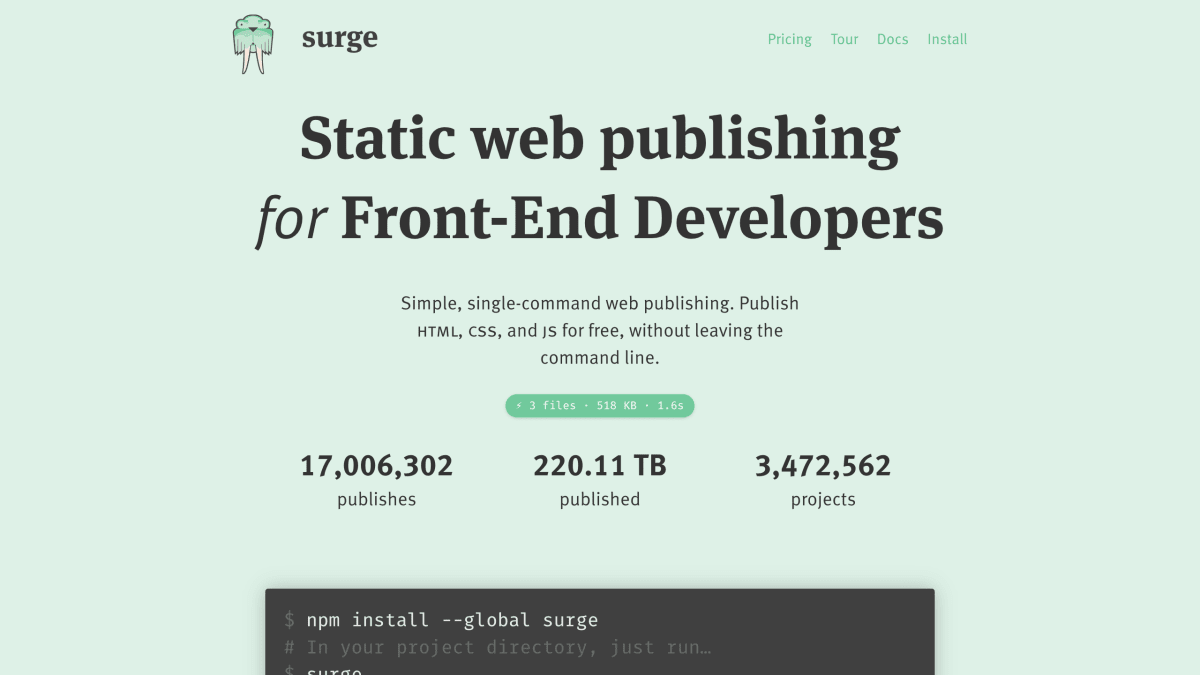
About Surge
Surge is a command-line tool for publishing static web content — HTML, CSS, and JavaScript — to a CDN. Deployment is done by running a single command from a project directory, which uploads the project and makes it available at a generated *.surge.sh subdomain. It supports pushState for single-page applications and custom 404 pages.
The tool integrates with front-end build workflows including Grunt (via a grunt-surge plugin), Gulp, npm run scripts, and Node.js projects generally, and can be used alongside CI services such as Travis CI, CircleCI, and Codeship for automated deployment. It also works with static site generators and tools like Jekyll, where sites are compiled locally and then published to Surge. Custom domains can be added via CNAME.
Surge supports team collaboration by allowing collaborators to be added to a project through the CLI, so multiple users can deploy to the same domain. Publishing to a surge.sh subdomain, including free SSL for those subdomains, is offered at no cost. It is intended for front-end developers deploying static sites or client-side applications.
Key features
- Single-command static site publishing from the command line
- Free custom domain support with CNAME setup
- Free SSL for surge.sh subdomains
- Deploy through Grunt, Gulp, or npm run scripts
- Team collaborator support via the CLI
- pushState support for single-page apps and custom 404.html pages
Frequently asked questions
Is Surge free to use?
Yes, Surge lets you publish HTML, CSS, and JS projects for free from the command line.
What build tools does Surge integrate with?
Surge integrates with Grunt and Gulp plugins, npm run scripts, Jekyll, Node.js, and CI services like Travis CI, CircleCI, and Codeship.
Can I use a custom domain with Surge?
Yes, you can deploy to any custom domain for free by adding a CNAME.
Who is Surge designed for?
Surge is designed for front-end developers who want to deploy static sites or client-side apps quickly without leaving the command line.
How do I install Surge?
Install it globally with npm install --global surge.


SerpApi - Search API
SerpApi's Search API makes it easy and fast to scrape Google and other search engines.

Show your product to thousands of developers
· 100k monthly pageviews
· 7k newsletter subscribers
You might also like
Render
HostingRender is a unified platform to build and run all your apps and websites with free SSL, global CDN, private networks and auto deploys from Git.
seenode
Hosting/Cloud Computing/ToolingDeveloper cloud for full-stack apps.
Staclo.host
Hosting/ProductivityThe easiest way to share your static site as a preview or on your own domain for production.
Stormkit
HostingStormkit integrates perfectly with your git flow. It builds, deploys and scales your javascript apps seamlessly.
Umbler
HostingWe are the website and applications hosting that you can trust. Perfect for the current needs of agencies, developers and entrepreneurs.
Vercel
HostingDeploy web projects with the best frontend developer experience and highest end-user performance.