Sketch
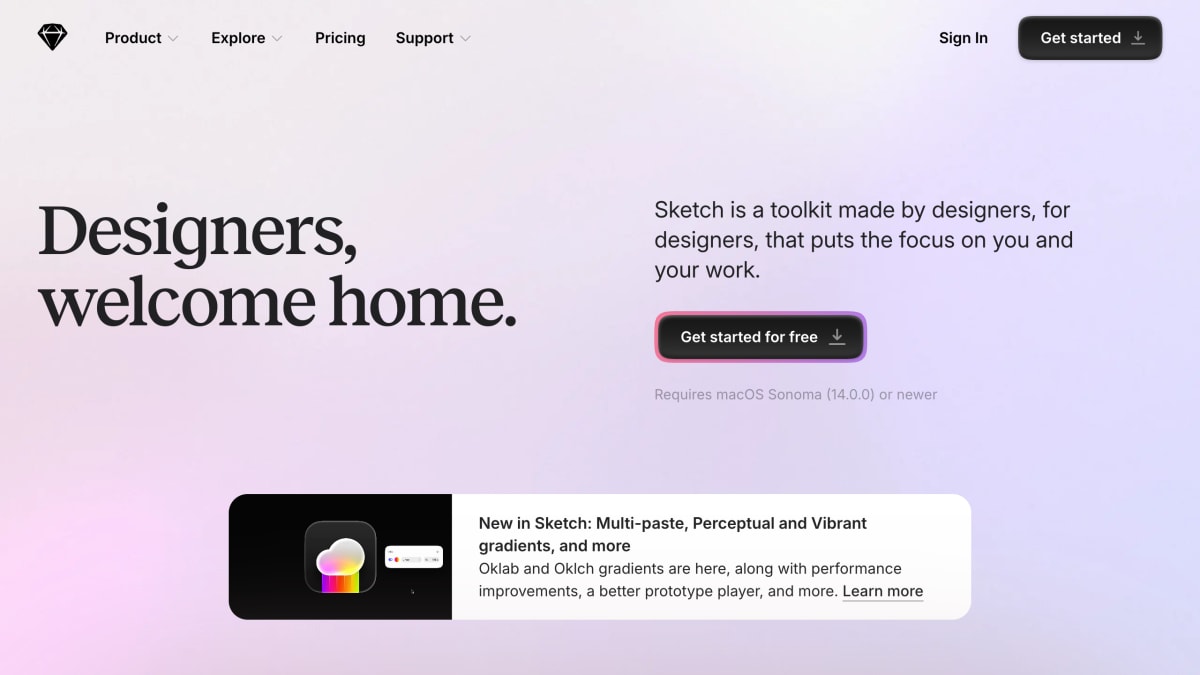
Sketch is a design toolkit built to help you create your best work — from your earliest ideas, through to final artwork.
About Sketch
Sketch is a macOS design toolkit for creating, prototyping, and collaborating on digital interfaces, with a native editor built around an infinite canvas and vector editing tools. It includes stack-based layout controls with nestable frames, min/max sizing, and z-index ordering, along with templates, frame presets, and component libraries to speed up file setup. The app works fully offline and does not require an internet connection to design.
Its prototyping tools let users build interactive flows with click, hover, press, drag, and swipe triggers, Smart Animate for transitions, overlays for modals and menus, and scrollable areas; prototypes can be tested in a web browser or on iPhone and iPad. Collaboration features include document and page sharing with password-protected previews, threaded comments, shared team workspaces for files and libraries, and shared component libraries with update permissions.
Developer handoff tools allow invited developers to inspect files, download assets, and export design tokens at no additional cost, and guest editors can be invited without extra charges beyond existing Sketch licenses. Sketch also offers an AI feature for connecting an AI client. It requires macOS Sonoma (14.0.0) or newer.
Key features
- Native macOS vector editor with an infinite canvas for interface and icon design
- Prototyping with clickable flows, Smart Animate, overlays, and scrollable areas
- Real-time co-editing plus shareable previews with password protection and comment threads
- Shared Workspaces for team files, libraries, and drafts
- Free developer handoff tools for inspecting files, downloading assets, and exporting tokens
- Offline, local-first design with no internet connection required
Frequently asked questions
Is there a free tier or trial?
Yes, you can get started with Sketch for free, and developer handoff tools for inspecting files and exporting assets are free.
What platforms does Sketch run on?
Sketch is a native macOS app that requires macOS Sonoma (14.0.0) or newer; prototypes can be tested in any web browser or on iPhone and iPad.
Who is Sketch designed for?
Sketch is built for designers, from freelancers to large companies, with tools focused on design rather than PMs, developers, or clients.
Can multiple people collaborate on a design in Sketch?
Yes, teams can co-edit designs in real time, share Workspaces with files and libraries, and leave threaded comments on designs.
Does inviting collaborators cost extra?
No, inviting guest editors who already pay for Sketch does not cost the team extra.


SerpApi - Search API
SerpApi's Search API makes it easy and fast to scrape Google and other search engines.

Show your product to thousands of developers
· 100k monthly pageviews
· 7k newsletter subscribers
You might also like
siteInspire
Design/Inspiration/UIA CSS gallery and showcase of the best web design inspiration, featuring over 2,500 websites searchable by type, subject, and style.
SiteSee
Design/Inspiration/UIA curated gallery of beautiful, modern websites meant to inspire web developers and designers.
Skelementor
Template/UI/DesignThe largest ready-to-use, free Elementor component library.
SpeedUp AI
AI/Design/PrototypingEnd-to-End AI Circuit Schematic Design.
Templated
Editor/Design/MarketingAutomate your images and PDFs with a simple API. Generate social media visuals, banners, PDFs and more with our API and no-code integrations.
The Component Gallery
Design/Inspiration/UIThe Component Gallery is a collection of components from the best design systems.