





🎁 Black Friday: 40% off the first payment of every plan, and Skip the queue for $29, through December 6.
Nijia is in the queue
It will be published on January 5, 2027.
From $29 instead of $49, live within minutes
Submitted
Received for review.
In the queue
Until January 5, 2027.
Live
Listed on Dev Resources, with a link to its website.

Nijia
Storage
Nijia is a macOS storage tool that maps disk usage and developer workspaces, then lets you review rebuildable artifacts before moving them to Trash.
About Nijia
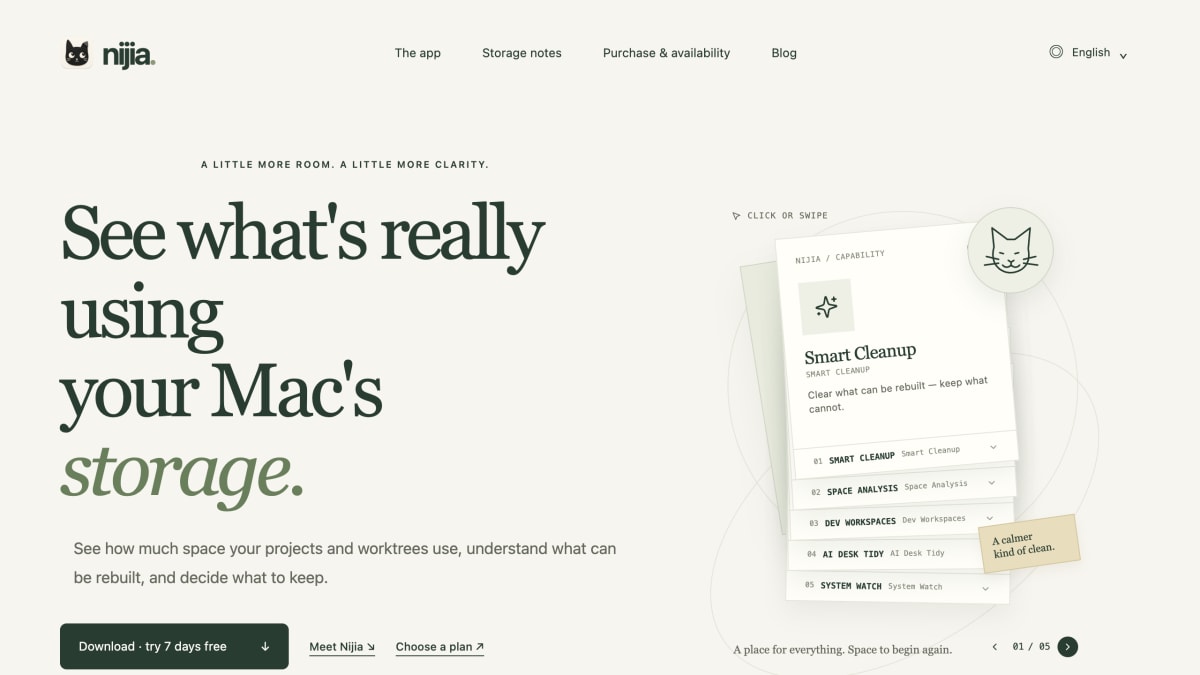
Nijia is a macOS application for analyzing disk storage and managing cleanup. It maps disk and folder usage to show where storage is consumed, identifies developer workspaces such as Git worktrees and agent sessions along with their build artifacts, and distinguishes rebuildable derived files from files a user may still need. It also includes a desktop file organization feature that groups and renames loose files into categories, and a system monitor showing live CPU, memory, and disk usage.
The app targets developers and other Mac users who want to recover disk space, particularly those working with multiple Git worktrees, branches, and coding-agent sessions that accumulate build artifacts. Cleanup actions are review-first: scanning does not delete files, cleanup candidates must be reviewed and confirmed before being moved to Trash, and file-organization proposals must be reviewed and confirmed before being applied. Storage scans and workspace/file-organization operations run locally on the Mac without requiring an external AI account or API key.
Nijia supports Apple silicon and Intel Macs running macOS 13 or later via a universal installer. It offers a 7-day free trial with full feature access and no payment card required, after which a paid license is needed; licensing is available as a monthly or yearly subscription or as a one-time purchase.
Key features
- Smart Cleanup identifies rebuildable build artifacts separate from work to keep
- Space Analysis maps full disk and folder usage in seconds
- Dev Workspaces view shows git worktrees, branches, and agent sessions side by side
- AI Desk Tidy groups and renames loose desktop files without deleting them
- System Watch shows live CPU, memory, and disk load
- All scanning and AI Tidy proposals run locally without an external AI account or API key
Frequently asked questions
Is there a free trial?
Yes, every feature is available free for 7 days with no payment card required; a paid license is required afterward.
What are the pricing options?
Nijia offers a monthly or yearly subscription, or a one-time license, purchased on the website.
Which Macs are supported?
Nijia supports Apple silicon and Intel Macs running macOS 13 or later via a universal installer.
Does Nijia delete files automatically?
No, scanning never deletes files; you review and confirm selected cleanup items before they move to Trash, and emptying Trash needs a separate confirmation.
Do I need an AI account to use it?
No, storage scans and AI Tidy proposals run locally on your Mac without an external AI account or API key.

Thordata
Reliable residential proxies for web scraping and automation: over 100 million real residential IPs across 190+ countries, plus a SERP API, Web Scraper API and Web Unlocker.

SerpApi - Search API
SerpApi's Search API makes it easy and fast to scrape Google and other search engines.
Show your product to thousands of developers
· 100k monthly pageviews
· 9k newsletter subscribers