Neenja AI
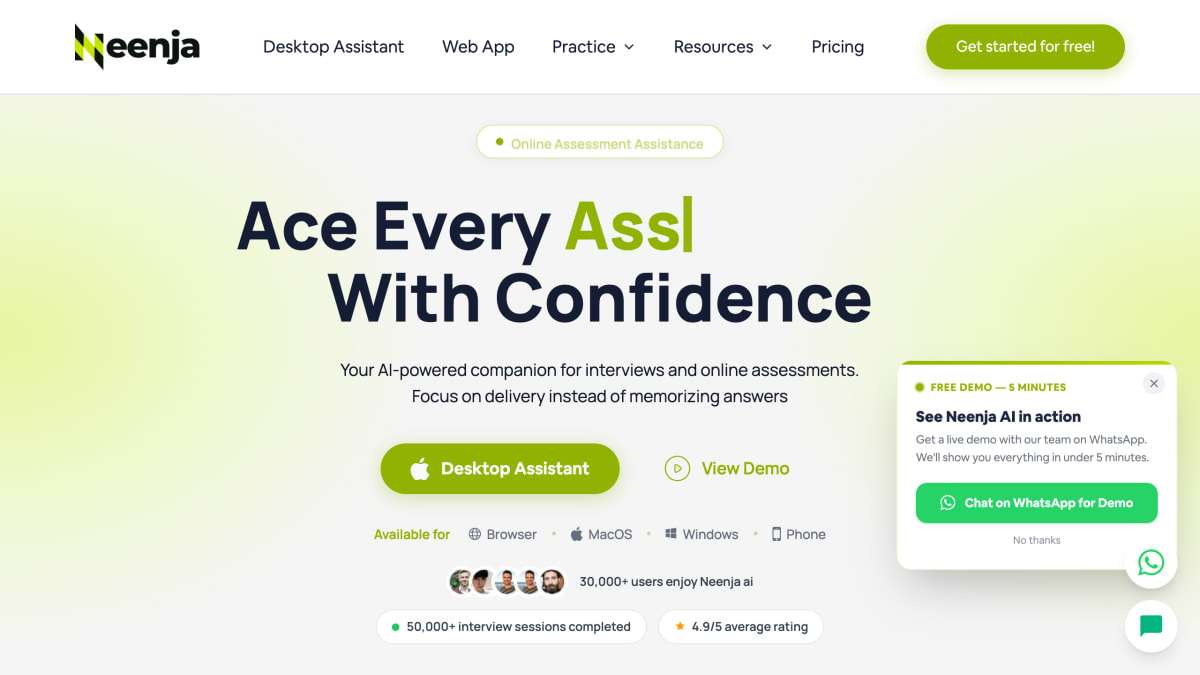
Neenja AI is a real-time AI platform that provides assistance during live interviews and assessments.
About Neenja AI
Neenja AI is a desktop and web application that provides real-time AI assistance during job interviews and online assessments. It listens to interview questions and generates suggested answers, drawing on a user's uploaded resume to personalize responses. The tool also offers live support for coding interview questions, including problem-solving suggestions, and provides post-session feedback covering clarity, confidence, and relevance scores.
The application is designed to run undetected during video calls and screen shares, with claims of hiding from screen-sharing tools, the macOS Dock, Windows Taskbar, Task Manager/Activity Monitor, and Alt-Tab/window-switching views. It is built to work across interview and meeting platforms including Zoom, Google Meet, Microsoft Teams, Slack, Zoho, and Webex, and supports live assistance for online assessment platforms such as CCAT, SHL, Wonderlic, Saville, Codility, PI Cognitive, Pymetrics, and Harver. Real-time transcription is available in more than 30 languages, including English, Spanish, Japanese, and Mandarin.
Neenja AI is available as a downloadable desktop app for macOS and Windows, a browser-based web app, and a phone version. It targets students, graduates, and working professionals preparing for job interviews and standardized online assessments.
Key features
- Real-time invisible AI coaching during live interviews and online assessments
- Stays undetectable during screen sharing, dock/taskbar, task manager, and tab switching
- Real-time coding interview support with step-by-step problem-solving guidance
- Post-interview feedback scoring clarity, confidence, and relevance
- Generates personalized answers based on your resume
- Real-time transcription in 30+ languages
Frequently asked questions
What platforms does Neenja run on?
Neenja is available as a browser web app and a desktop app for macOS and Windows, with a phone option as well.
What interview and meeting platforms does Neenja work with?
Neenja works on interview and meeting platforms including Slack, Google Meet, Microsoft Teams, Zoom, Zoho, and Webex.
What online assessments does Neenja support?
Neenja provides live assistance on assessments including CCAT, SHL, Wonderlic, Saville, Codility, PI Cognitive, Pymetrics, and Harver.
Who is Neenja for?
Neenja is used by students, graduates, and working professionals preparing for interviews and online assessments.


SerpApi - Search API
SerpApi's Search API makes it easy and fast to scrape Google and other search engines.

Show your product to thousands of developers
· 100k monthly pageviews
· 7k newsletter subscribers
You might also like
Interview Solver
Interview/AIAce your live coding interviews with our AI Copilot.
Interview VIP
InterviewAI interview coach with realistic practice sessions, voice interaction, and actionable feedback for job candidates.
JavaScript Interview Questions
InterviewCollection of questions that can help you improve your JavaScript knowledge and prepare to an interview.
Madza Quizzes
InterviewA great resource with 500 free interview questions.
PracHub
Interview/Learn/Code ChallengePractice 8,500+ real tech-interview questions from 400+ top companies — coding, SQL, ML, and system design — in an in-browser console with AI-assisted hints.
Tech Interview Pro
InterviewLearn the secrets to getting a software engineering job at a big tech company. Using years of industry experience, I have condensed my knowledge to the material that is most important for passing the coding interview and landing your dream tech job.