
Majestic
⚡ Zero config GUI for Jest. Contribute to Raathigesh/majestic development by creating an account on GitHub.
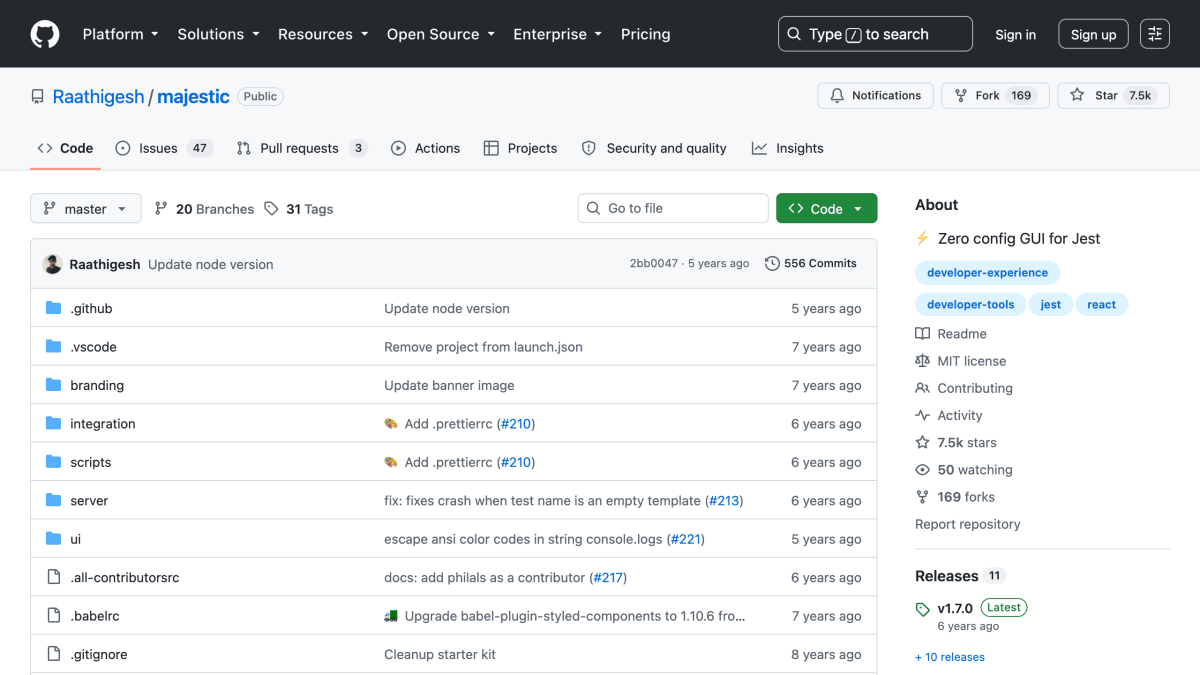
About Majestic
Majestic is a graphical user interface for Jest, the JavaScript testing framework. It allows users to run all tests or a single file, toggle watch mode, update snapshots, examine test failures as they happen, and view console.log output within the UI for debugging. It includes a built-in coverage report and a test search feature, and supports Flow and TypeScript projects as well as projects created with Create React App.
The tool works with Jest version 20 and above and can be run via npx, or installed globally through Yarn or Npm. It can also be launched as a Chrome app using the --app flag. Configuration is done through a majestic key in package.json, supporting options such as a custom Jest script path, additional arguments, environment variables, and setups for projects with multiple Jest configuration files. It also provides command-line arguments (--config, --debug, --noOpen, --port, --version) and keyboard shortcuts for running tests, watching, and searching.
Majestic is intended for developers using Jest who want a visual interface for running and monitoring tests rather than relying solely on the command line.
Key features
- Zero-config GUI for running Jest test suites
- Run all tests or a single file with watch mode toggle
- Update snapshots and examine test failures from the UI
- Console.log output streamed to the UI for debugging
- Built-in code coverage report and test search
- Works with Flow, TypeScript, and Create React App projects
Frequently asked questions
What is Majestic?
Majestic is a zero-config GUI for the Jest testing framework. It lets developers run, watch, and debug Jest tests through a visual interface.
How do I install and run Majestic?
It can be run via npx in a project directory, or installed globally with Yarn or npm and then run with the majestic command. It can also be launched as a Chrome app using the --app flag.
What version of Jest does it support?
Majestic supports Jest 20 and above.
What frameworks or project types does it work with?
It works with Flow and TypeScript projects, as well as Create React App projects.
Is Majestic free to use?
Yes, it is open source and released under the MIT license.


SerpApi - Search API
SerpApi's Search API makes it easy and fast to scrape Google and other search engines.

Show your product to thousands of developers
· 100k monthly pageviews
· 7k newsletter subscribers
You might also like
Jest
Testing🃏 Delightful JavaScript Testing.
LambdaTest
Browser/TestingPerform manual or automated cross browser testing on 2000+ browsers online. Deploy and scale faster with the most powerful cross browser testing tool online.
LogRocket
TestingLogRocket helps you understand problems affecting your users, so that you can get back to building great software.
Mocha
TestingSimple, flexible, fun JavaScript test framework for Node.js and the browser.
NAT Checker
Productivity/Testing/ToolingFree, fast, accurate NAT check for developers and gamers on PS5, Xbox, Switch, and PC. Understand network status and improve play.
NativeBridge
Productivity/Testing/ToolingShow, Share, Approve: Mobile Apps in Any Browser.