Img.Upscaler
Upscale and enhance your image by using the latest AI technology. Support batch process.
About Img.Upscaler
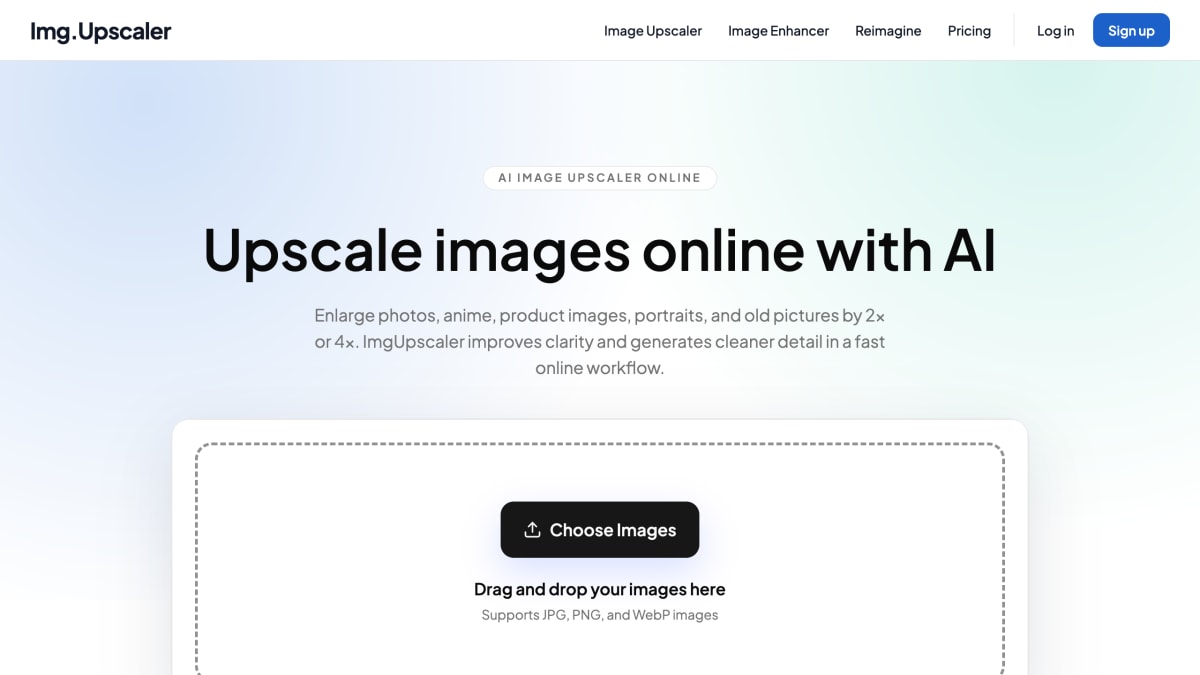
ImgUpscaler is an online AI image upscaler that enlarges images by 2x or 4x, generating sharper edges and cleaner detail than standard resizing. It accepts JPG, PNG, and WebP files and is aimed at improving photos, anime artwork, product images, portraits, and old pictures for use on websites, social media, presentations, marketplaces, and print.
The workflow is upload, choose an upscale ratio, then preview and download the result. Free use covers single-image upscaling, while paid plans unlock batch processing for handling multiple images such as product photo sets, campaign assets, or client files without repeating the upload and export steps. Results can be used for personal or commercial projects, including marketing, client work, and ecommerce listings.
Uploaded images and generated results are automatically deleted within 24 hours. ImgUpscaler also offers a separate desktop application called Upscal, sold independently from the web subscription, for offline batch image enhancement, with clients available for Windows, Mac, Google Play, and the App Store.
Key features
- AI super-resolution upscaling by 2x or 4x with sharper edges and cleaner textures
- Batch image upscaling on paid plans for processing multiple images at once
- Supports JPG, PNG, and WebP image formats
- Enhancer workflow tuned for photos, anime art, portraits, ecommerce images, and old pictures
- Privacy-first processing — uploaded images and results auto-deleted within 24 hours
- Separate desktop app (Upscal) for offline batch upscaling across Windows, Mac, Android, and iOS
Frequently asked questions
What is ImgUpscaler?
ImgUpscaler is an online AI image upscaler that enlarges and enhances images by 2x or 4x. It is designed for photos, anime artwork, product images, portraits, old pictures, and other visuals that need more usable resolution.
What image formats does ImgUpscaler support?
ImgUpscaler supports JPG, PNG, and WebP images.
Can I upscale multiple images at once?
Yes, paid plans unlock batch processing so you can upscale multiple images without repeating the same upload and export steps.
Are my uploaded images private, and how long are they stored?
Uploaded images and generated results are automatically deleted within 24 hours, so files are not stored indefinitely.
Can I use upscaled images commercially?
Yes, results can be used for personal or commercial projects, including marketing, client work, ecommerce listings, and creative production.


SerpApi - Search API
SerpApi's Search API makes it easy and fast to scrape Google and other search engines.

Show your product to thousands of developers
· 100k monthly pageviews
· 7k newsletter subscribers
You might also like
Hexabot
AIOpen-Source AI Tool to build multi-channel, multi-lingual, text-to-action chatbots agents.
HotBot
AI/ProductivityThe Gateway to Advanced AI Chat and Expert AI Bots.
Humanize AI
AI/Productivity/WritingHumanize AI is a cutting-edge tool that transforms robotic, AI-generated text into authentic, human-like writing.
Interview Hammer
Interview/AINail your job interview with the your interview AI copilot.
Interview Solver
Interview/AIAce your live coding interviews with our AI Copilot.
InterviewPal
AI/Job/ResumeInterviewPal is an AI-powered platform that helps developers and career changers prepare for interviews with personalized simulations and feedback.