
Firefox Developer
Firefox Developer Edition is the blazing fast browser that offers cutting edge developer tools and latest features like CSS Grid support and framework debugging.
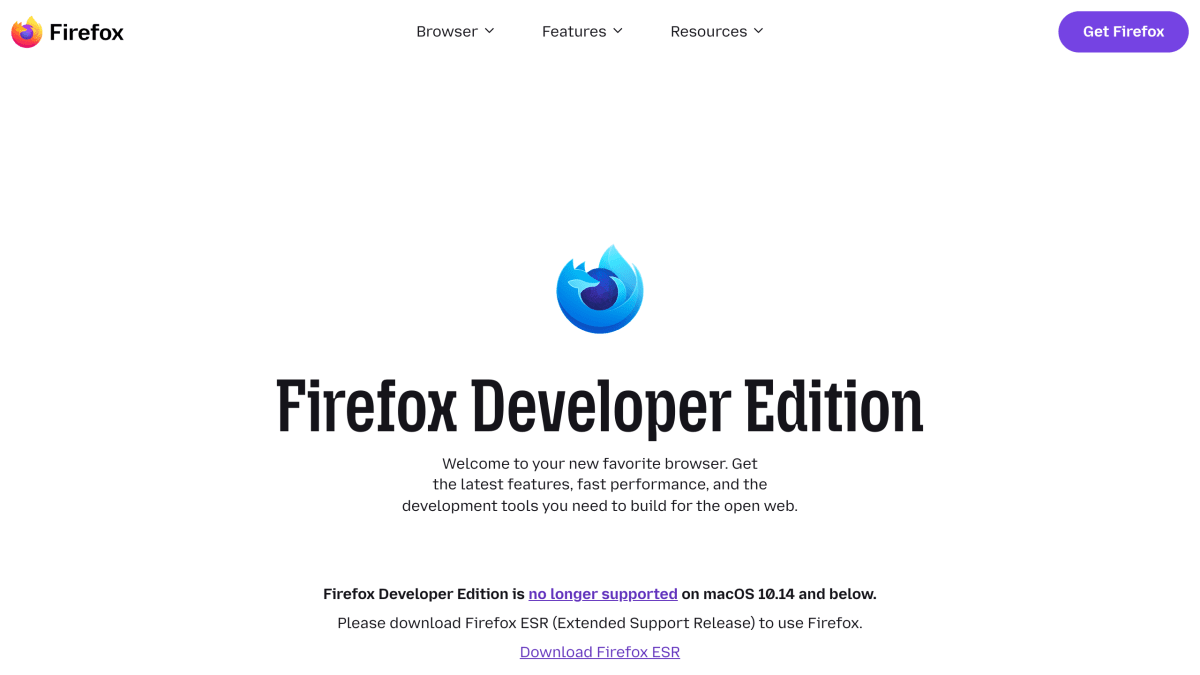
About Firefox Developer
Firefox Developer Edition is a version of the Firefox browser built for web developers, using a separate profile and installation path so it can run alongside the Release or Beta versions of Firefox. It ships with preferences tailored for development work, including browser and remote debugging enabled by default, a dark theme, and the developer toolbar button active out of the box.
The browser includes Firefox DevTools, a set of built-in tools covering page inspection, a JavaScript debugger with multi-browser and framework support, a web console for tracking CSS, JavaScript, security, and network issues, a network monitor, a storage panel for cache, cookies, databases, and session data, responsive design mode for testing emulated devices, visual editing tools for animations and layout, performance and memory profiling tools, and a style editor for managing CSS stylesheets. It also includes tools specifically for building with CSS Grid, a fonts panel showing font source, weight, and style information, and an "Inactive CSS" feature that grays out CSS declarations with no effect on the page and explains why.
It is available for Windows (64-bit, ARM64/AArch64, 32-bit), macOS, and Linux (64-bit, ARM64/AArch64), with Debian/Ubuntu users able to install it via an APT repository. It automatically sends feedback to Mozilla. Older systems (Windows 8.1 and below, macOS 10.14 and below) are directed to Firefox ESR instead.
Key features
- Multi-line Console Editor and WebSocket Inspector for debugging
- Separate profile and install path to run alongside Release or Beta Firefox
- CSS Grid inspector to visualize, label, and preview grid transformations
- Fonts panel showing font source, weight, and style used on a page
- Inactive CSS detection that grays out non-effective declarations and explains why
- JavaScript debugger built with React and Redux, supporting multiple browser targets
Frequently asked questions
What is Firefox Developer Edition for?
It is a version of Firefox made for developers, bundling the latest DevTools in beta along with developer-focused preferences like debugging enabled by default.
What platforms does it support?
It is available for Windows (64-bit, 32-bit, ARM64), macOS, and Linux (64-bit and ARM64).
Can I run it alongside my regular Firefox browser?
Yes, it uses a separate profile and installation path so it can run alongside Release or Beta Firefox.
What DevTools does it include?
It includes an Inspector, Console, JavaScript Debugger, Network Monitor, Storage Panel, Responsive Design Mode, Visual Editing tools, Performance tools, Memory tools, and a Style Editor.
Does it collect any data?
Yes, Firefox Developer Edition automatically sends feedback to Mozilla.


SerpApi - Search API
SerpApi's Search API makes it easy and fast to scrape Google and other search engines.

Show your product to thousands of developers
· 100k monthly pageviews
· 7k newsletter subscribers
You might also like
Edge Canary
BrowserWant to see what we were working on yesterday? Canary will be released automatically almost every night to keep you up to date on our progress.
Edge Dev
BrowserOur dev builds are the best representation of our improvements in the past week. They have been tested by the Microsoft Edge team, and are generally more stable than Canary.
Firefox
BrowserFaster page loading, less memory usage and packed with features, the new Firefox is here.
Firefox Nightly
BrowserGet a sneak peek at our next generation web browser, and help us make it the best browser it can be.
GIT for Your Browser Tabs - Never lose your tabs again!
Browser/Productivity/ToolingIts like GIT, but for browser tabs! Unlock the Power of Version Control for Your Browser Tabs!
Hackertab.dev
Browser/Extension/ProductivityGet all your developer news in one place with Hackertab! Customize your feed and stay up-to-date on the latest tools, events, and more. Perfect for frontend, backend, full-stack, mobile, and data science developers. Try Hackertab now and never miss a beat in your field.