CodeKit
CodeKit is a Mac app that makes it easy to use modern web development tools like npm, Babel, Sass, JavaScript bundling, image optimization, and ESLint.
About CodeKit
CodeKit is a native macOS application for web developers that compiles Sass, Less, Stylus, CSS, CoffeeScript, Pug, Slim, Haml, TypeScript, and JavaScript/ES6, with additional support for Markdown, JSON, SVG, PNG, GIF, and JPEG. It includes built-in tools such as Autoprefixer for vendor prefixes, Babel for JavaScript transpilation, and Dart Sass for Sass compilation, and it allows users to configure processing for custom file types without external plugins or config files.
The application provides a live preview system that automatically refreshes and syncs browsers across devices, including Mac, iOS, Android, Windows, and other devices with modern browsers, supporting connections over TLS without requiring certificates. It offers browser sync for cross-device testing, and injects CSS changes without a full page reload. For performance, CodeKit optimizes PNG, JPEG, SVG, GIF, and WebP images, bundles and minifies JavaScript, CSS, and HTML, removes unused CSS, applies cache busting, and generates source maps.
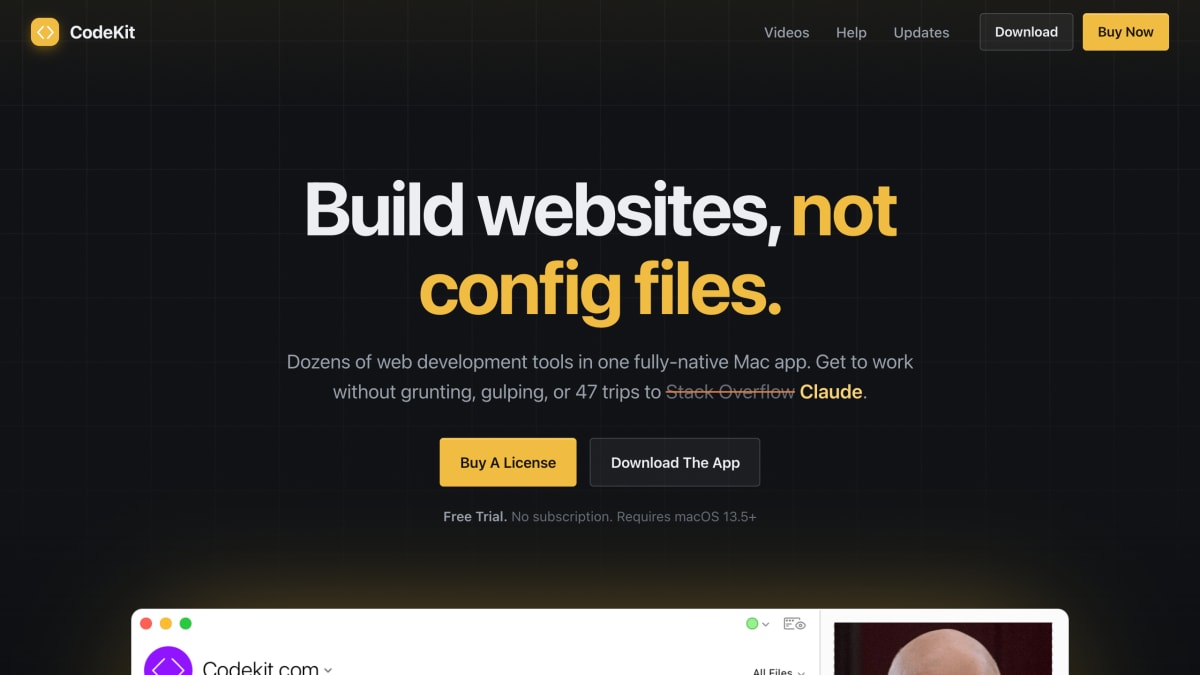
CodeKit includes an npm interface for installing and updating packages, and can scaffold projects using Tailwind, Bootstrap, or Zurb Foundation, as well as built-in CSS frameworks including Bourbon, Neat, Bitters, Susy, Nib, and Jeet. It supports one-click project builds using multiple processor cores for parallel processing, custom shell script and AppleScript automation steps, and ESLint-based JavaScript linting with support for custom configuration files and rules. It is offered as a free trial with a one-time license purchase (no subscription) and requires macOS 13.5 or later.
Key features
- Compiles Sass, Less, Stylus, CoffeeScript, Pug, Slim, Haml, TypeScript, and Markdown automatically
- Live browser refresh and sync across multiple devices without plugins or config files
- Optimizes and compresses PNG, JPEG, SVG, GIF, and WebP images
- Minifies and bundles JavaScript, CSS, and HTML with cache busting and source maps
- Built-in npm UI for installing and updating packages, plus one-click Tailwind, Bootstrap, and Foundation setup
- Built-in ESLint integration with customizable rules and support for team config files
Frequently asked questions
Is there a free tier or trial?
CodeKit offers a free trial with no subscription required; a paid license is needed to buy the app outright.
What platform does CodeKit run on?
CodeKit is a fully-native Mac app that requires macOS 13.5 or later.
What languages and tools does CodeKit support?
It compiles Sass, Less, Stylus, CSS, CoffeeScript, Pug, Slim, Haml, TypeScript, JavaScript, ES6, Markdown, JSON, SVG, PNG, GIF, and JPEG, and lets you add custom language processors via the UI.
Does it work with npm and CSS frameworks?
Yes, CodeKit has a built-in UI for installing over 1,300,000 npm packages and can spin up Tailwind, Bootstrap, or Zurb Foundation projects, plus frameworks like Bourbon, Neat, Bitters, Susy, Nib, and Jeet.
Who is CodeKit for?
It's built for web developers on Mac who want to compile, optimize, and preview websites without managing build scripts or config files.


SerpApi - Search API
SerpApi's Search API makes it easy and fast to scrape Google and other search engines.

Show your product to thousands of developers
· 100k monthly pageviews
· 7k newsletter subscribers
You might also like
Codecademy
Learn/ProgrammingLearn the technical skills you need for the job you want. As leaders in online education and learning to code, we’ve taught over 45 million people using a tested curriculum and an interactive learning environment. Start with HTML, CSS, JavaScript, SQL, Python, Data Science, and more.
CodeCombat
Learn/ProgrammingLearn programming languages by playing the Role Playing Game. Different languages, beginner-friendly learning curve.
Codeconia
Blog/ProgrammingLearn programming with Codeconia.
CodeNewbie
Podcast/ProgrammingStories from people on their coding journey.
CodePen
Editor/ProgrammingAn online code editor, learning environment, and community for front-end web development using HTML, CSS and JavaScript code snippets, projects, and web applications.
CodePen Radio
Podcast/ProgrammingA podcast all about what it's like running a small web software business. The good, the bad, and the ugly.