Bootstrap
Bootstrap is a free and open-source CSS framework directed at responsive, mobile-first front-end web development. It contains CSS- and JavaScript-based design templates for typography, forms, buttons, navigation, and other interface components.
About Bootstrap
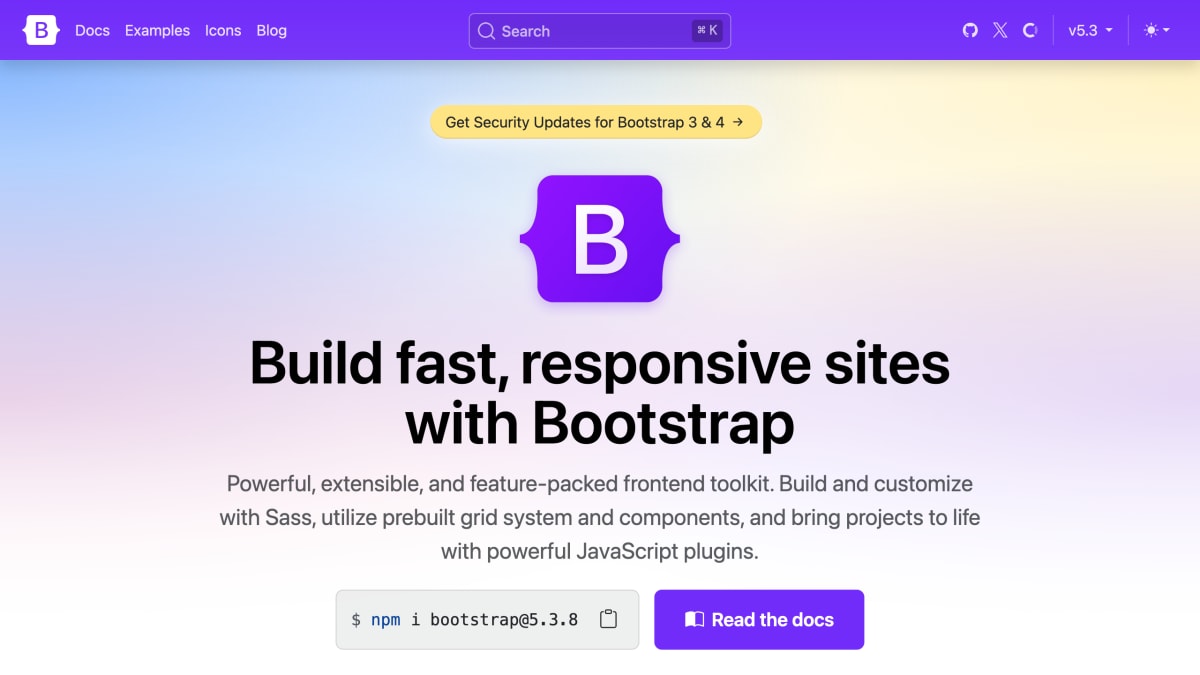
Bootstrap is an open-source frontend toolkit for building responsive websites and web applications with HTML, CSS, and JavaScript. It provides a prebuilt grid system, a library of UI components, and a set of JavaScript plugins (such as modals, dropdowns, popovers, tooltips, and offcanvas menus) that work without requiring jQuery. Plugins can be controlled through HTML data attributes or invoked programmatically in JavaScript.
The library is built with Sass, allowing developers to import only the components they need, override variables, and configure global options such as gradients and shadows. Bootstrap 5 also exposes its theme, component, and utility styles as CSS variables that can be overridden directly in custom CSS without rewriting whole rule sets. Its utility classes are generated through a configurable Sass-based Utility API, which lets developers add, remove, or modify utilities such as spacing, color, and sizing classes, and make them responsive or state-variant.
Bootstrap can be installed via npm, RubyGems, Composer, or Meteor, or included directly through a CDN for compiled CSS and JS files. It is intended for developers building or customizing responsive web interfaces, from those who want a ready-made design system to those who want to extend or theme it through Sass and CSS variables.
Key features
- Responsive grid system and prebuilt CSS components
- Sass-based architecture for modular customization
- Utility API for generating and customizing utility classes
- CSS variables for theming at root, component, and utility levels
- JavaScript plugins (modals, dropdowns, tooltips, offcanvas) that work without jQuery
Frequently asked questions
How do I install Bootstrap?
You can install it via npm, RubyGems, Composer, or Meteor, or include the compiled CSS/JS via the jsDelivr CDN.
Does Bootstrap require jQuery?
No, Bootstrap's JavaScript plugins work without jQuery and can be triggered via HTML data attributes or used programmatically.
Can I customize Bootstrap's design?
Yes, Bootstrap uses Sass with variables, maps, functions, and mixins, plus a Utility API and CSS variables for customizing styles and components.
What is the current version of Bootstrap?
The current version is 5.3.8.
Is source code available for download?
Yes, Bootstrap's source Sass and JavaScript files can be downloaded or installed via package managers, and example projects are available in the Examples repo.


SerpApi - Search API
SerpApi's Search API makes it easy and fast to scrape Google and other search engines.

Show your product to thousands of developers
· 100k monthly pageviews
· 7k newsletter subscribers
You might also like
3dicons
IconA collection of over 5000 3D icons and characters with 4k resolution, each icon delivered in 5 color palettes, front and perspective views.
All SVG Icons
IconBrowse and download 250,000+ free SVG icons from 220 carefully curated icon libraries.
Animated Icons
IconHigh-quality animated icons to wow your users. Available to download for free without attribution. Adjust to your brand in just a few clicks.
Boxicons
IconBoxicons is a free collection of carefully crafted open source icons. Each icon is designed on a 24px grid with the material guidelines.
CandyIcons
IconCandyIcons offers thousands of unique and amazing app icons that have not yet appeared elsewhere, saving you time in spotting the perfect icon for your product.
Circum Icons
IconConsistent open source icons as SVG for React, Vue and Svelte.